Add sticky scroll cards to WordPress
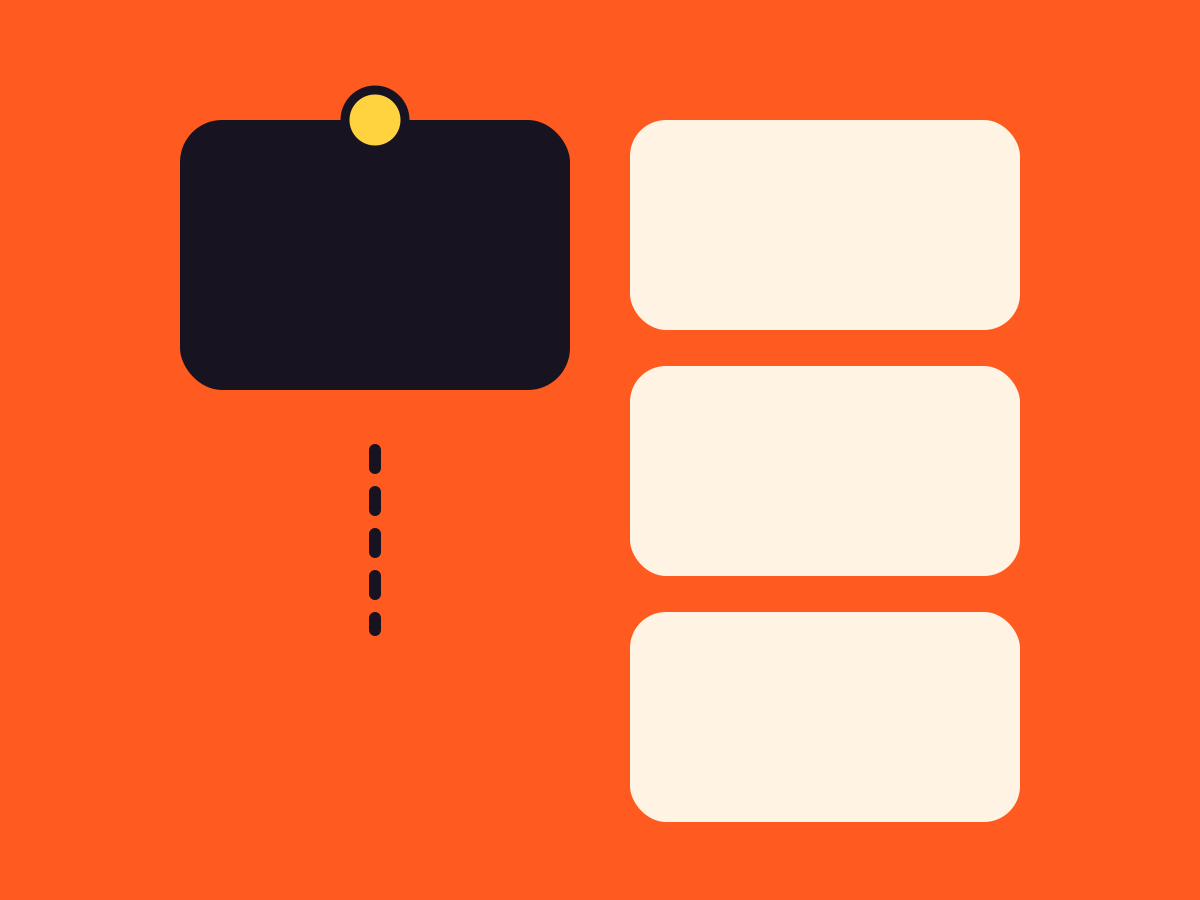
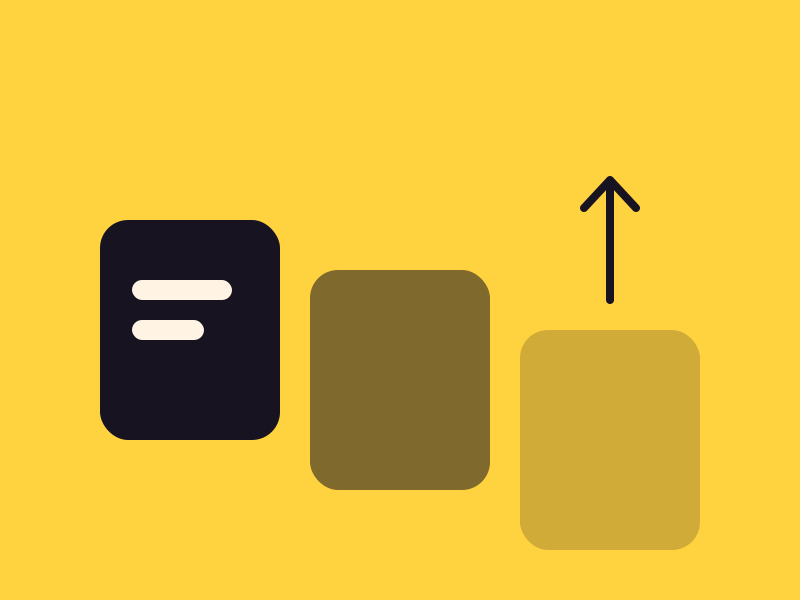
A deck of cards for process steps or chapters. Each one sticks near the top as the page scrolls, and the next slides over it into a neat pile.
Type
A Grinner block
Find it
Press + and search “Card Pile”
Phones
Still piles, with smaller steps in one column
Speed
Styles only, no script

Four steps, one pile.
This is the real Card Pile block, running on this page.

Step 1
Plan
Write the words first, then pick a layout that fits them.

Step 2
Build
Use blocks you know, then add a Grinner setting or two.

Step 3
Move
Add motion where it helps and keep the first screen calm.

Step 4
Launch
Check it on a phone, then publish.
Settings Preset Dealt Section tone Dark Top offset (px) 28 Step between cards (px) 24
The settings worth knowing.
A preset, where the cards stop, and how much of each stays in view.
Preset
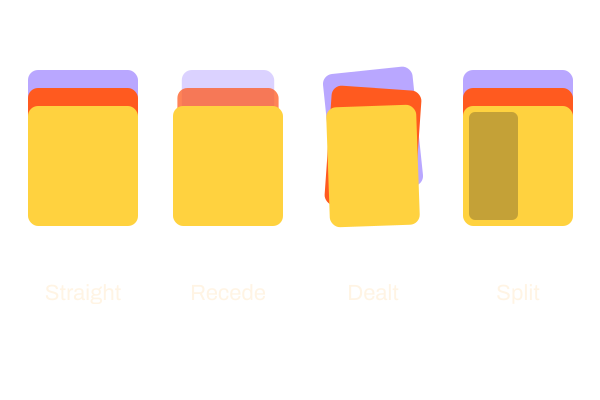
Four ways to pile
Straight stack, Recede where covered cards shrink and fade, Dealt with narrow tilted cards, and Split with a picture beside the words.
Top offset (px)
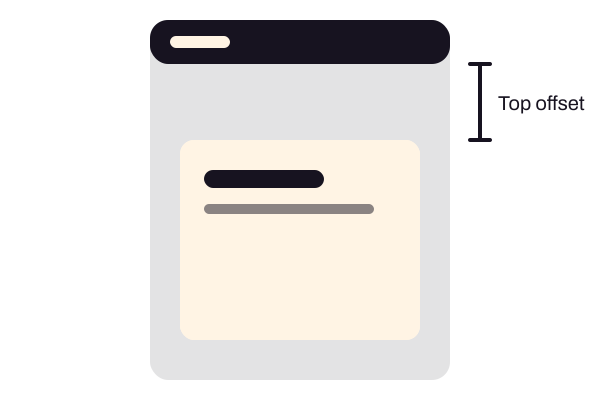
Where cards stop
100 by default, to clear a sticky header. With no sticky header, about 28 looks right.
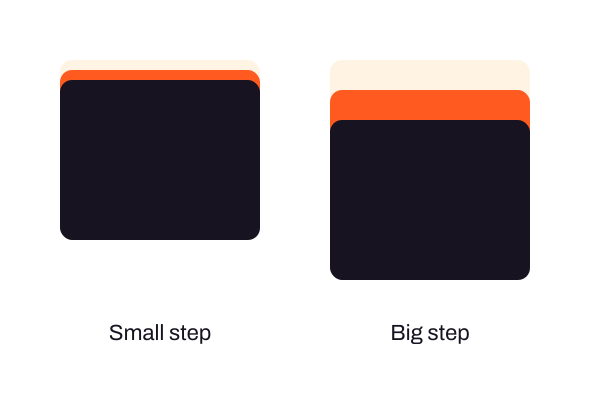
Step between cards (px)
How much shows
The strip of each covered card left in view. Bigger steps build a taller pile.
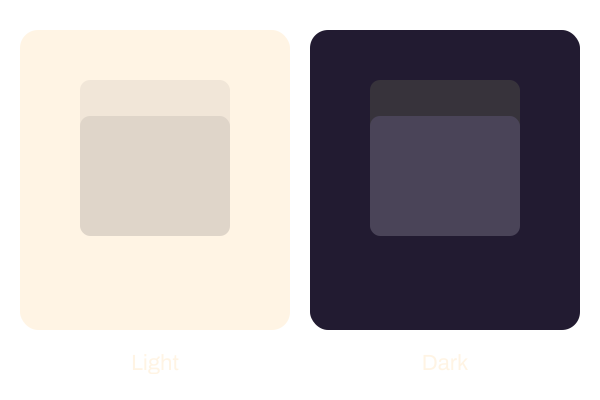
Section tone
Light or dark
Auto, Light or Dark. On a site without a style kit, choose Dark in a dark section, because Auto can’t tell.
Three steps. No new tool.
Fair questions.

Make your next site beautiful.
GrinBot designs and builds it for you. Join the waitlist for the launch price.
- Studio-quality design
- Built for speed
- Pay once, no subscription
We’ll email you about the launch. Unsubscribe any time. Privacy policy
Try it with these.

Card stacking
Card stacking turns the cards you already built in a Group into a pile. Card Pile gives you ready-made step cards with four presets.