
Stack cards on scroll in WordPress
Each card pins near the top while the next one slides up over it, like a deck being dealt. It’s one switch on a Group.
Type
An upgrade to the Group block
Find it
Group, Stack layout, then Scroll effects
Phones
Stacks there too, or switch it off
Speed
Cards only pin. There’s no animation running as you scroll

Scroll, and the cards pile up.
This is the real Card stacking setting, running on this page.
01 · PLAN
Sketch the pages.
List the pages you need and what each one is for.
02 · DESIGN
Pick the look.
Set your colors and fonts once, in Styles.
03 · BUILD
Add the motion.
Turn on Grinner effects on the blocks you already use.

04 · LAUNCH
Check the speed.
Publish, then run PageSpeed and enjoy the score.
Settings Card stacking on Stack offset (px) 24 Peek (px) 16
The settings worth knowing.
Three numbers and a switch. That’s the whole thing.
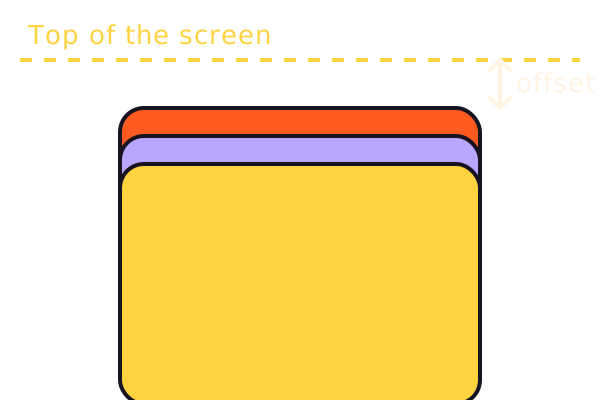
Stack offset (px)
Where the first card pins
How far below the top of the screen the first card stops. 0 to 200, and 24 by default.
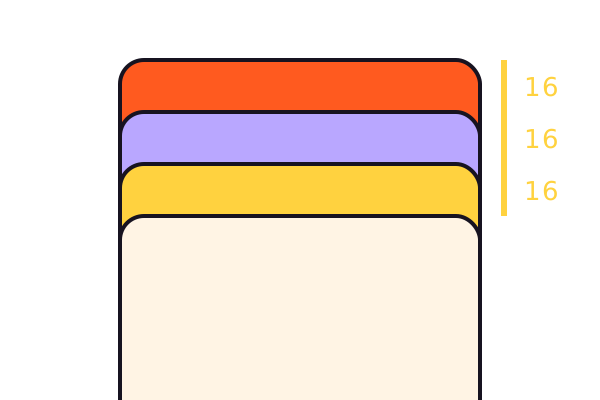
Peek (px)
How much shows above
Each card pins this much lower than the one before, so a strip of every card stays in view. 0 covers each card fully.

Disable on mobile
A normal list on phones
Phones stack too, by default. Turn this on and the cards sit one under another, with nothing pinned.

Card Mode
Solid cards stack best
Cards need a solid background, or the ones below show through. Card Mode’s Soft or Elevated look gives each card one, with a shadow.
Three steps. No new tool.
Fair questions.

Make your next site beautiful.
GrinBot designs and builds it for you. Join the waitlist for the launch price.
- Studio-quality design
- Built for speed
- Pay once, no subscription
We’ll email you about the launch. Unsubscribe any time. Privacy policy
Try it with these.

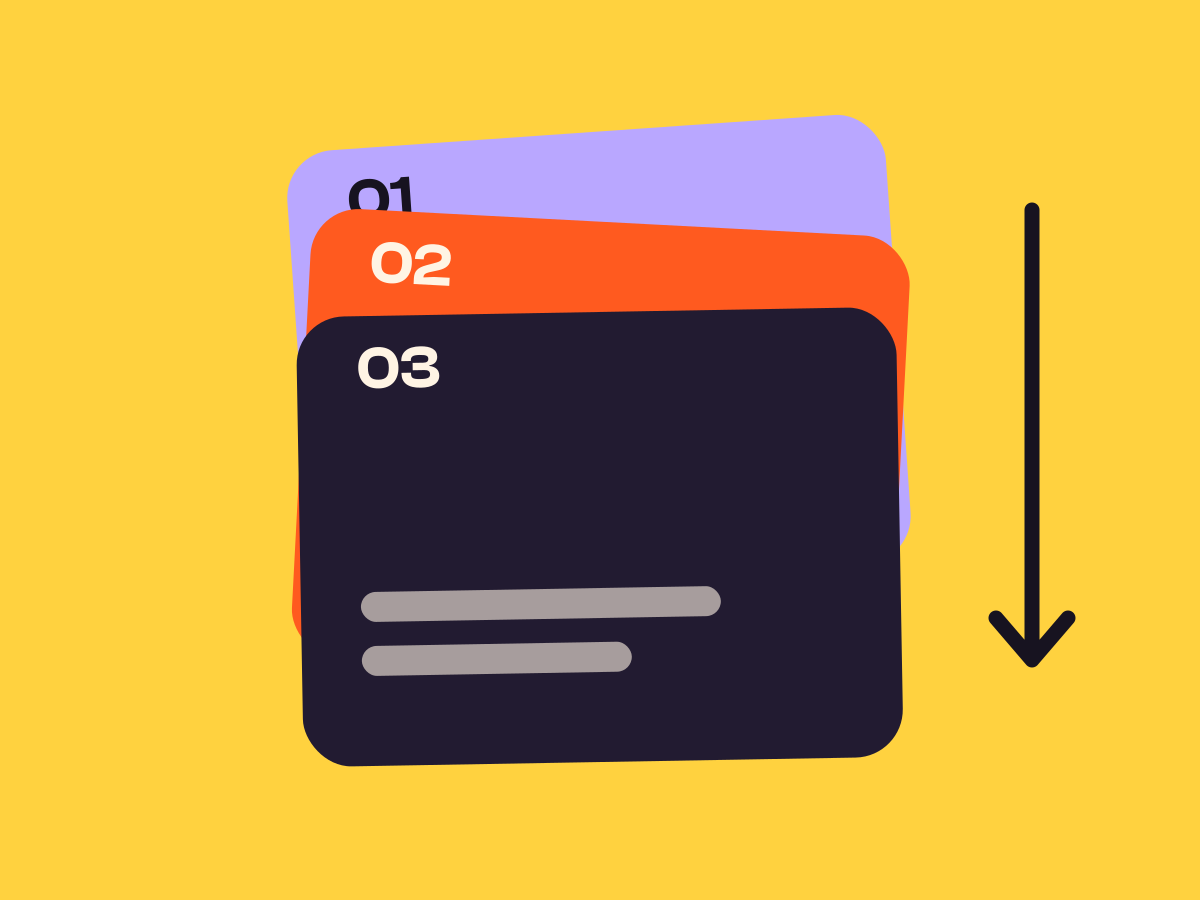
Card Pile
Card Pile gives you ready-made step cards with four presets, if you’d rather not build the cards yourself.


