
Website color palette and font pairing tool
Pick a style and get colors, fonts, sizes and spacing that work together. Check the contrast, then export it straight into WordPress.
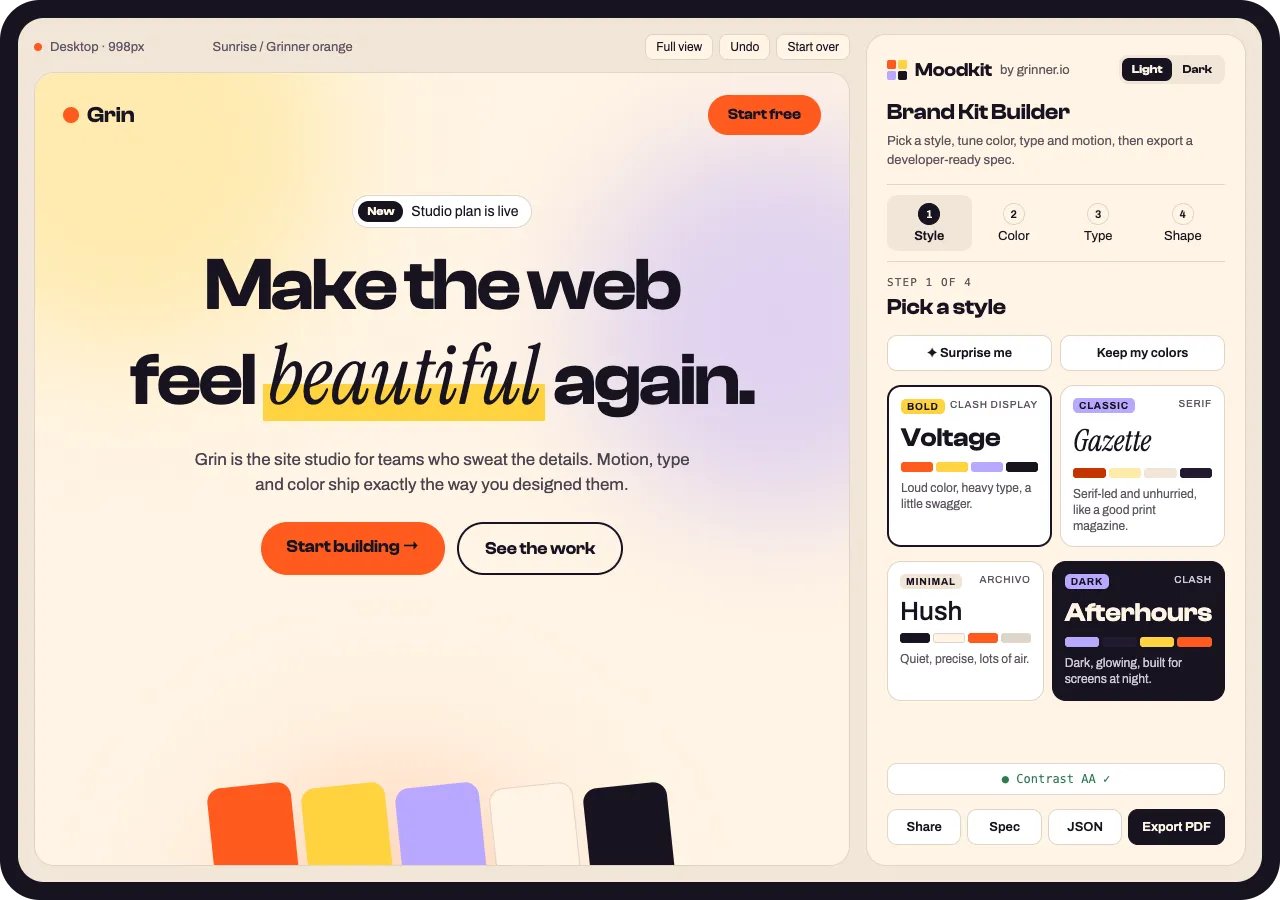
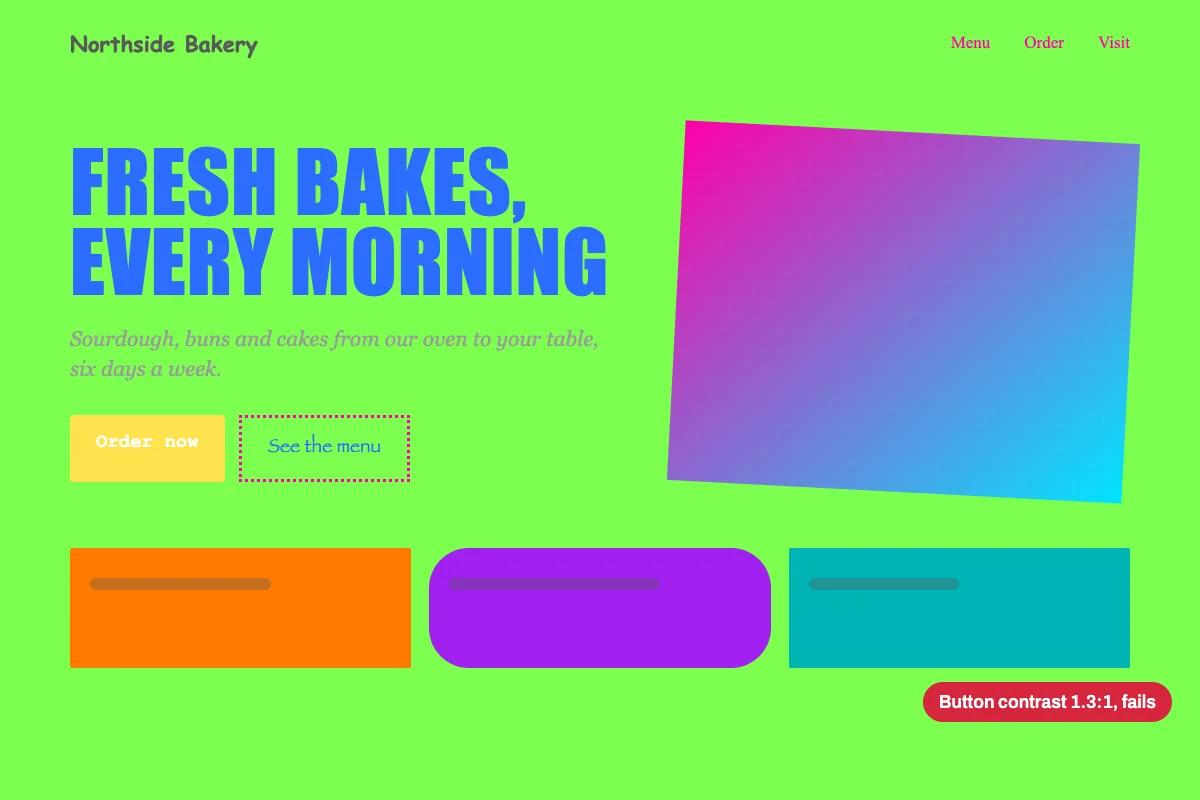
Colors that clash. Fonts that fight.
A palette from one tool, fonts from another, sizes from a guess. Nothing is tested together, so the button text fails contrast and the headings look off on a phone.
One style, everything matched.
Moodkit starts from a style, so colors, fonts, sizes, corners and spacing are chosen together. Change any part and the live preview updates.
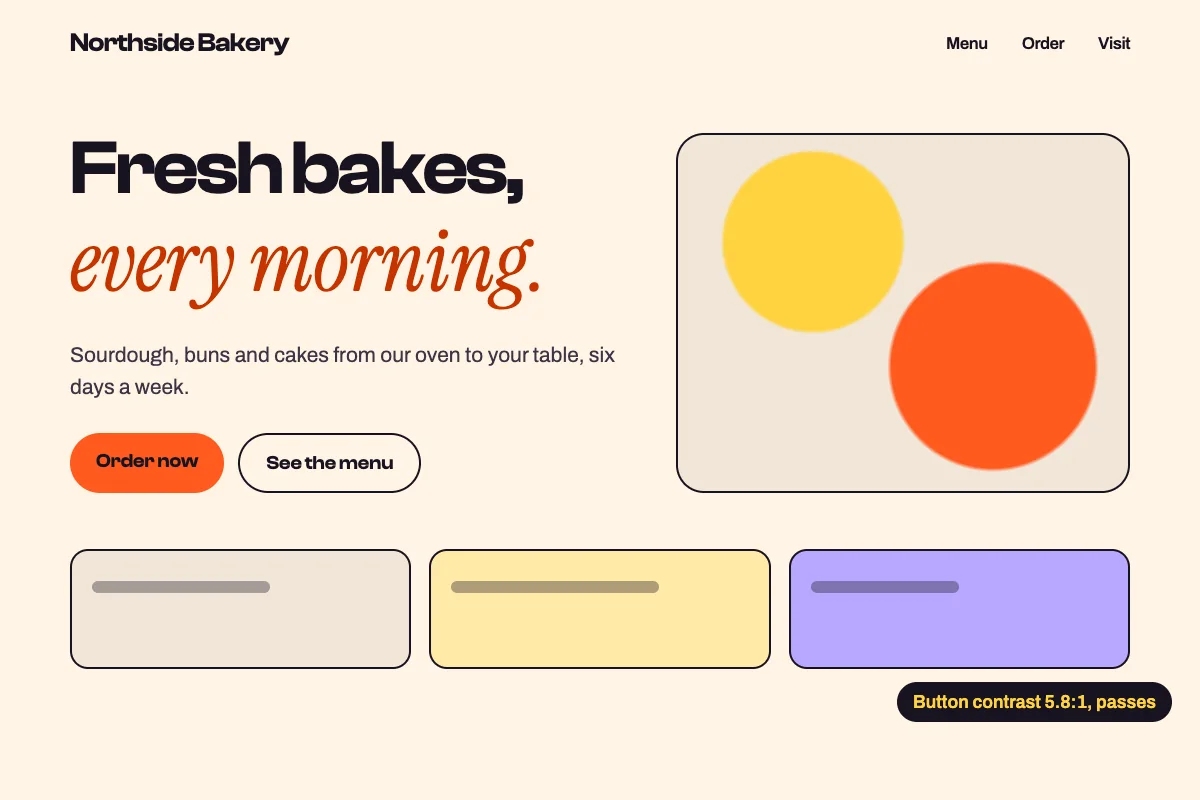
Pick a style. Get everything.
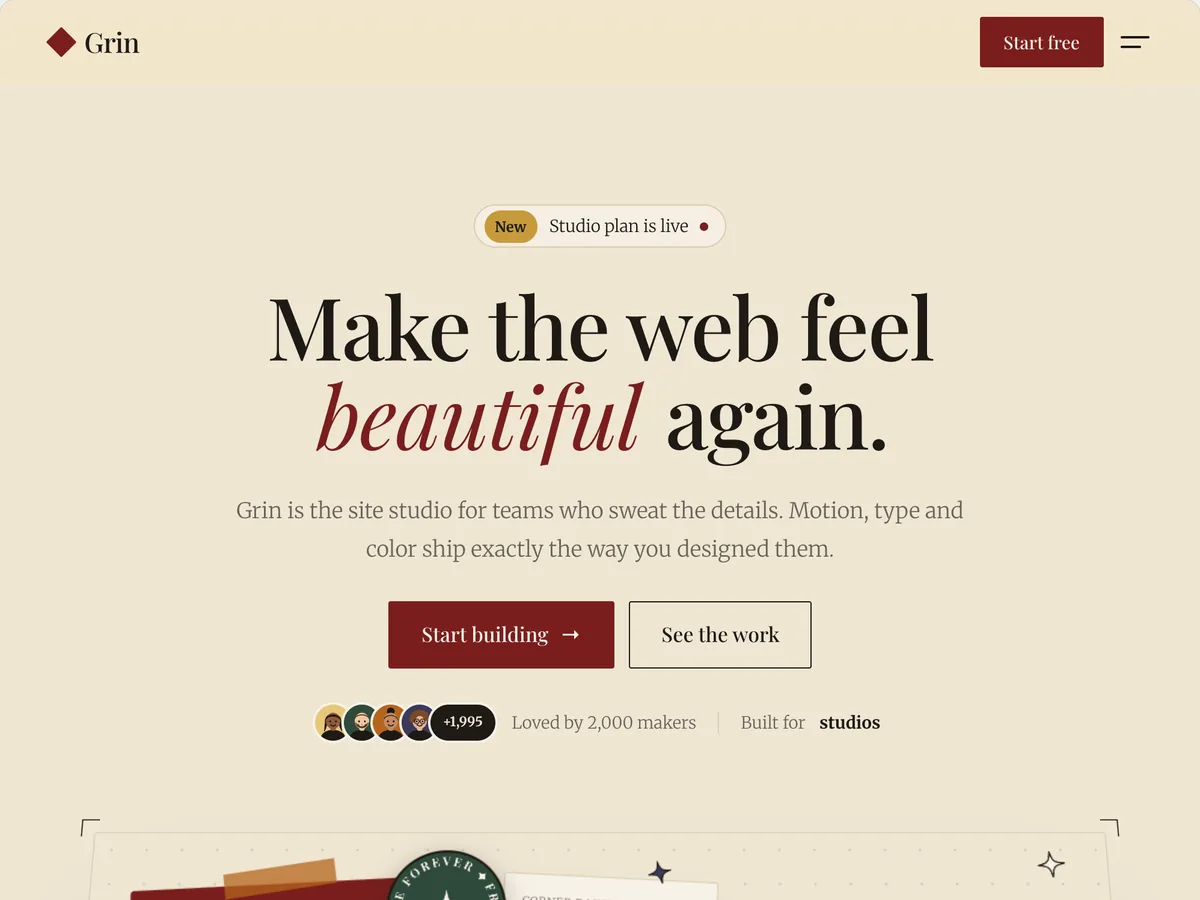
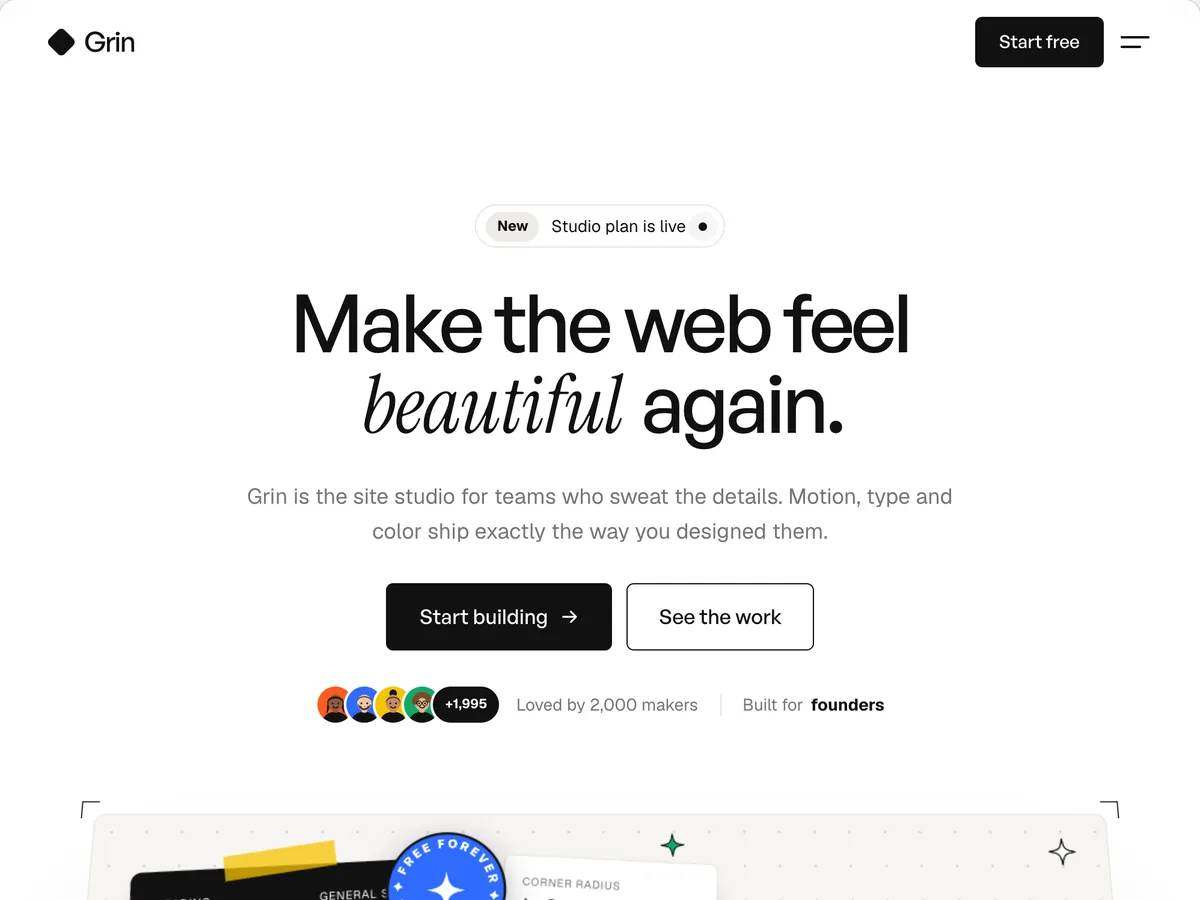
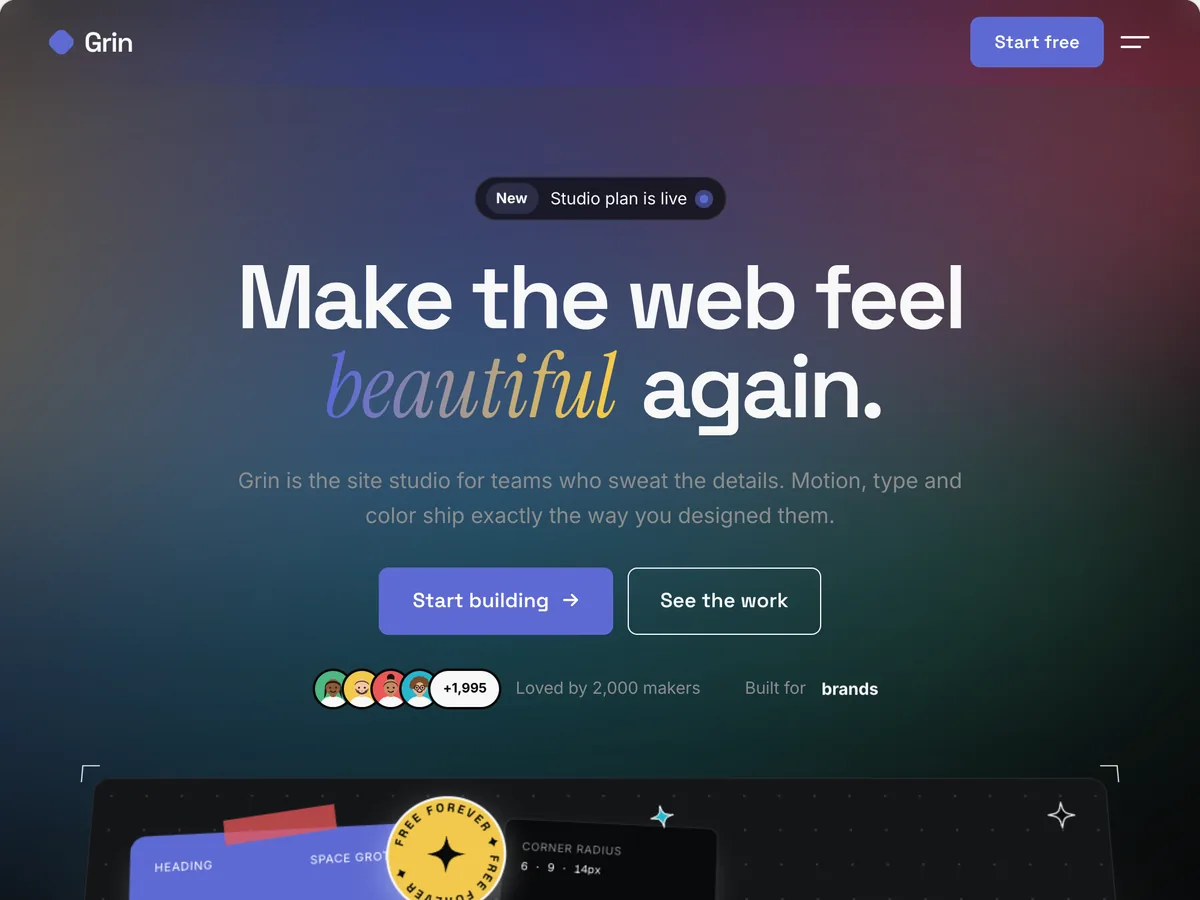
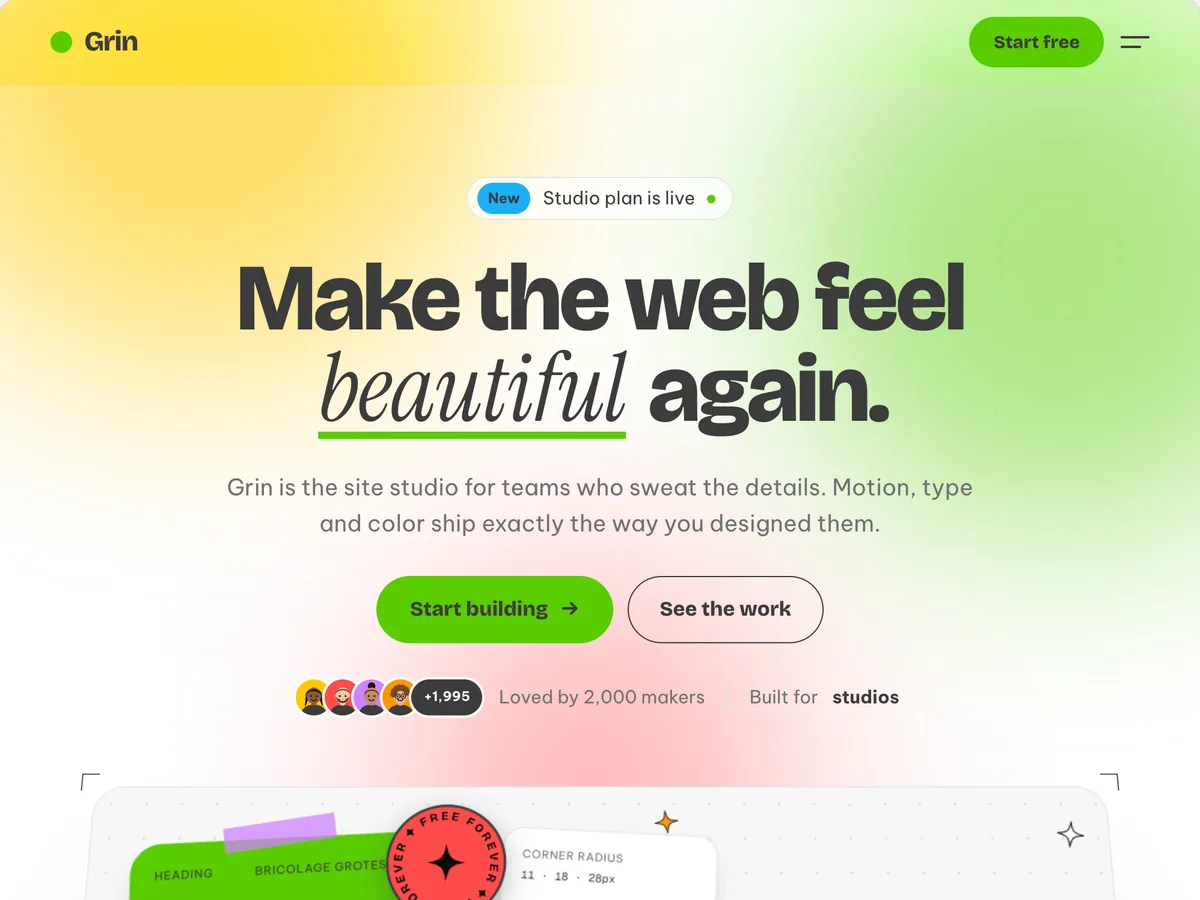
Each style sets fonts, palette, corners, spacing and a motion feel. Tap or point at one to see the same page in it.
- VoltageLoud color, heavy type, a little swagger.
- GazetteSerif-led and unhurried, like a good print magazine.
- HushQuiet, precise, lots of air. The work does the talking.
- AfterhoursDark, glowing, technical. Built for screens at night.
- PlaygroundRound, bouncy and friendly. Joy is a feature.
- BillboardCondensed caps, hard edges, poster energy.
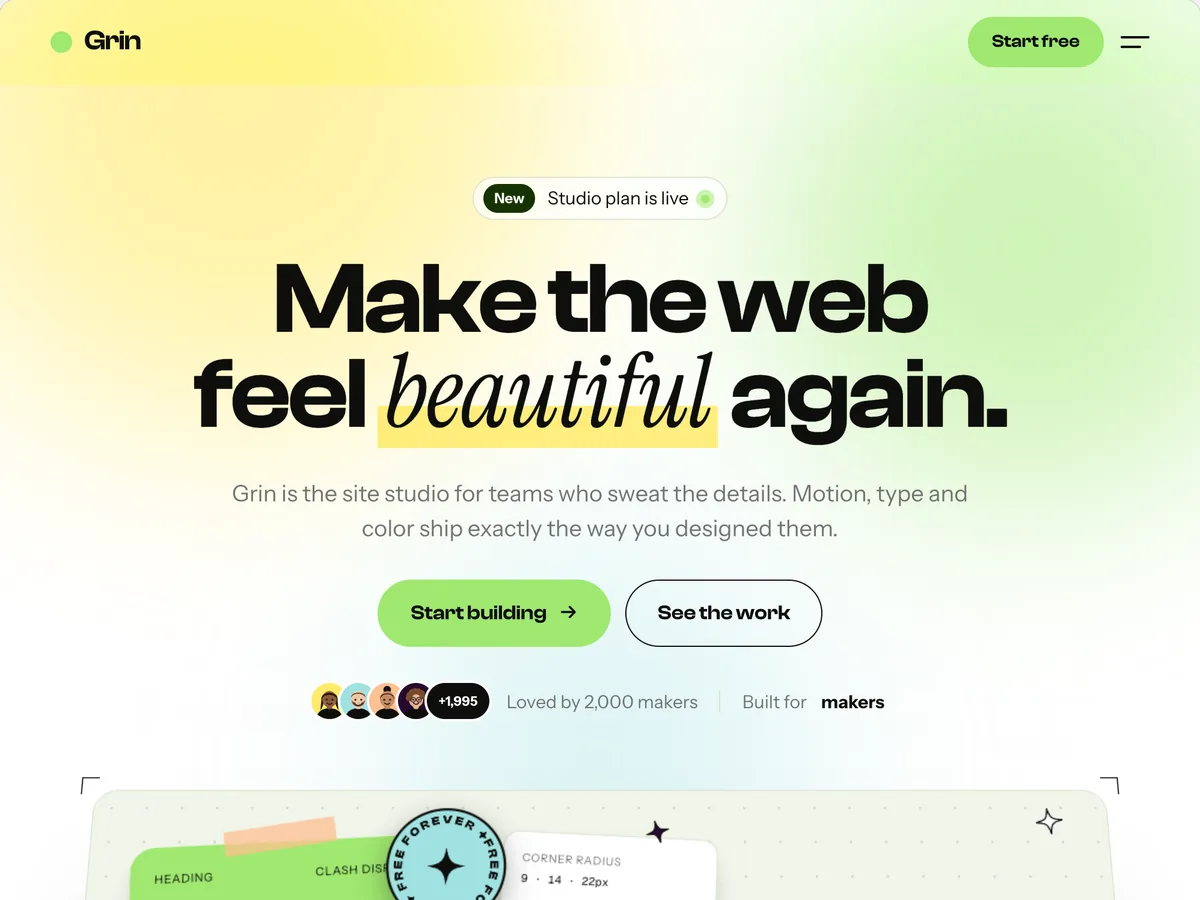
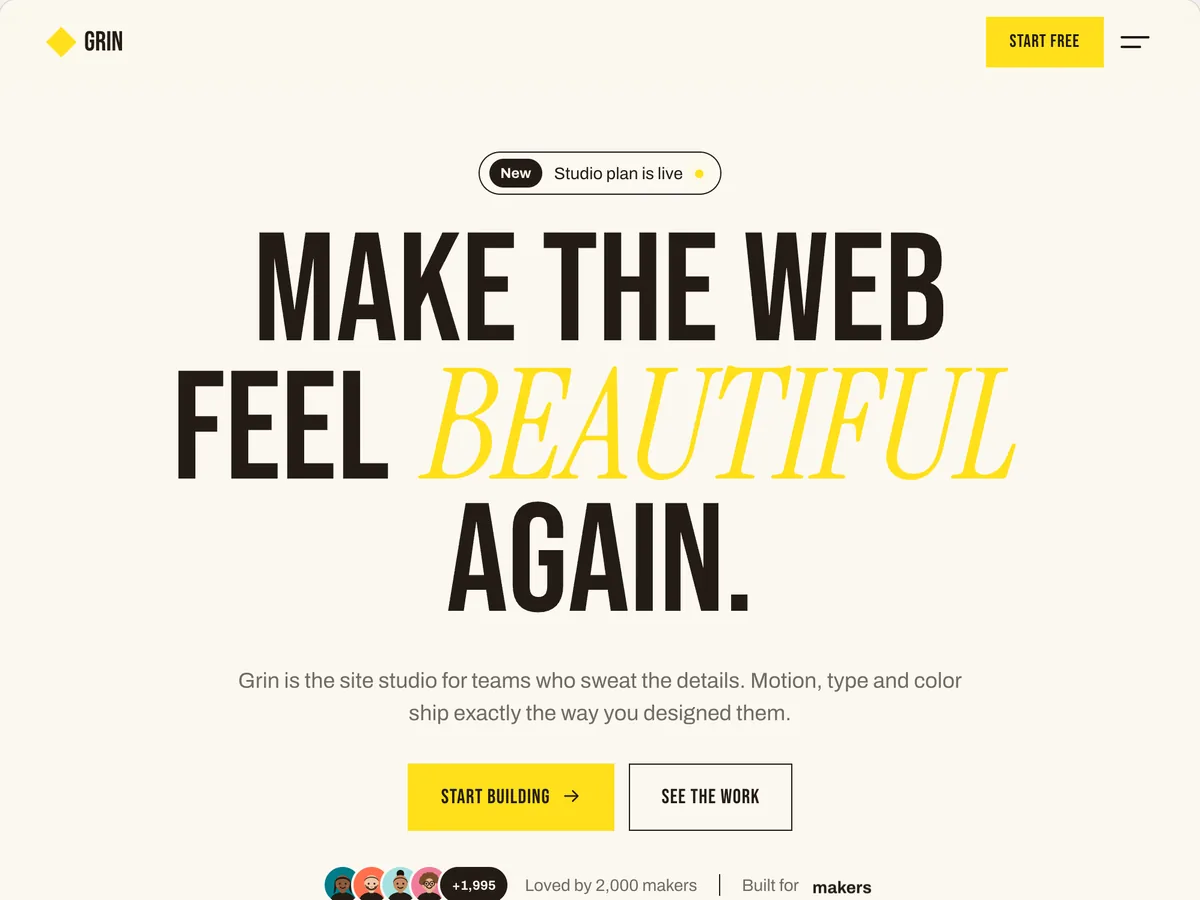
Three steps to a whole brand.
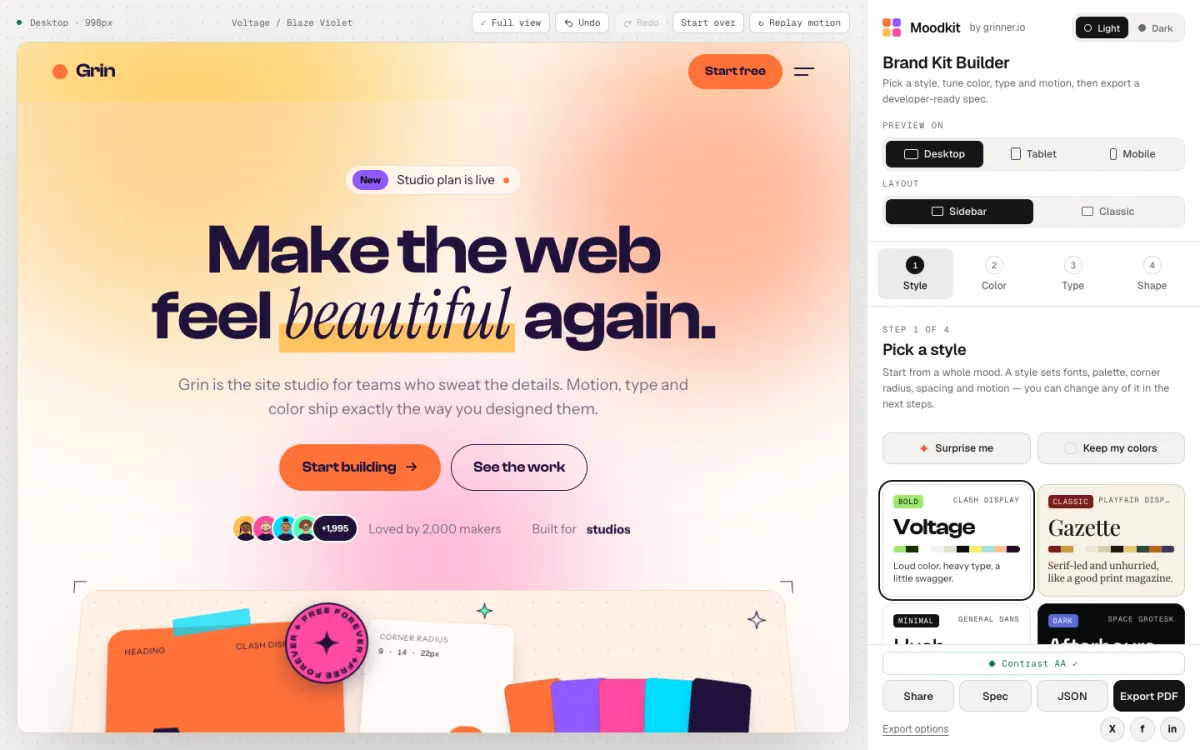
STEP 01
Pick a style
Each style sets fonts, palette, corners, spacing and a motion feel. Or press Surprise me.
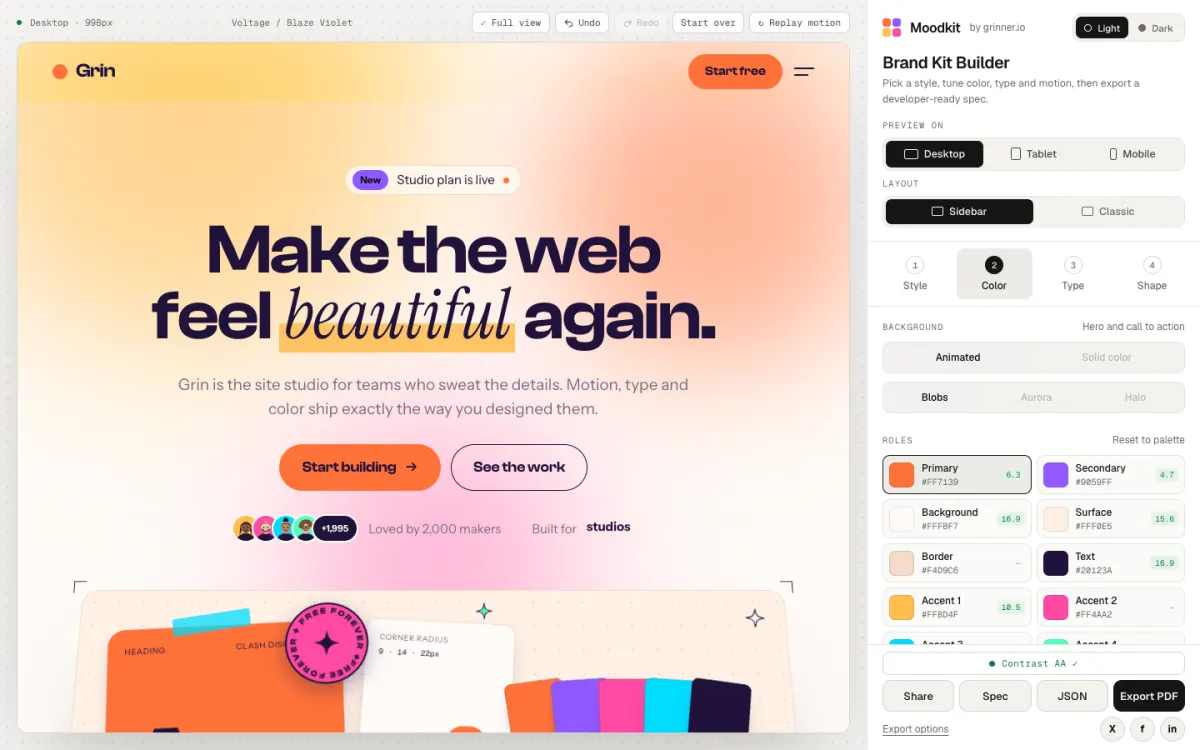
STEP 02
Tune it live
Swap the palette, try a font pairing, set the type scale. The contrast check suggests a fix when text is hard to read.
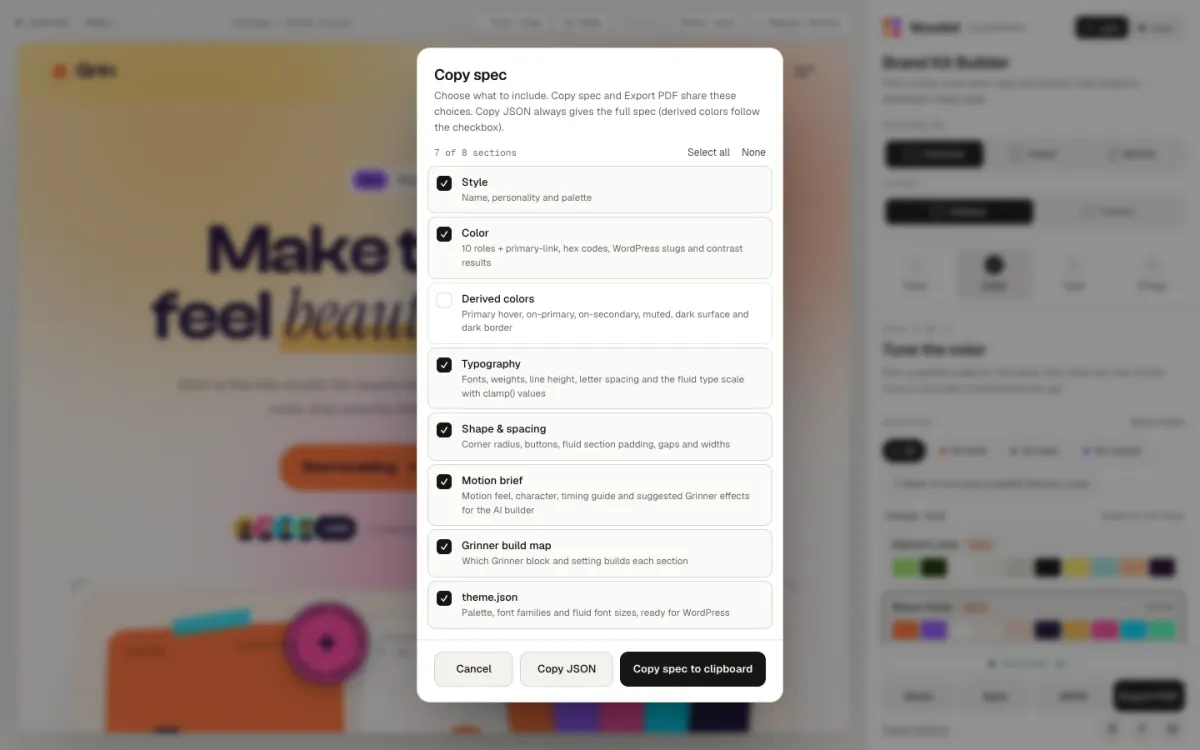
STEP 03
Export it
Copy a share link, the spec, JSON or theme.json, or save a PDF. Grinner imports it into your WordPress in one step.
12
palettes, each with named roles
44
fonts to pair
4.5:1
contrast, checked for every text pair
A brand kit, not just a palette.
12 palettes
Ready-made palettes with named roles, from background and text to four accents.
Contrast checked
Text pairs are checked against 4.5:1, with a suggested fix when one falls short.
Font pairings that work
One-click pairings for headings, body and accent words. Every one stays editable.
Fluid type scale
Sizes that grow smoothly from 320 to 1440px wide, with the exact values in the spec.
Ready for WordPress
Export theme.json, or import your style in Grinner and it sets colors, sizes, spacing and fonts for you.
Easy to share
Send a link, or a PDF spec your client or developer can follow.
Moodkit next to generic tools.
Moodkit
Palette tools
Font pairing sites
Colors and fonts
Both, together
Mostly colors only
Mostly fonts only
Live website preview
Some, often on paid plans
Some, often on paid plans
Contrast check with a fix
Rare
No
Fluid type scale
Not listed
Not listed
WordPress theme.json
Not listed
Not listed
Price
Free
Free to $3 a month
Free to $10 a month
Colors and fonts
Moodkit
Both, together
Palette tools
Mostly colors only
Font pairing sites
Mostly fonts only
Live website preview
Moodkit
Yes
Palette tools
Some, often on paid plans
Font pairing sites
Some, often on paid plans
Contrast check with a fix
Moodkit
Yes
Palette tools
Rare
Font pairing sites
No
Fluid type scale
Moodkit
Yes
Palette tools
Not listed
Font pairing sites
Not listed
WordPress theme.json
Moodkit
Yes
Palette tools
Not listed
Font pairing sites
Not listed
Price
Moodkit
Free
Palette tools
Free to $3 a month
Font pairing sites
Free to $10 a month
Fair questions.
Find your style.
Free, in your browser. Nothing to install.