Make a sticky column in WordPress
One item in a section stays pinned in view while its neighbors scroll past, like a sticky sidebar beside a long article.
Type
An upgrade to Group and Columns
Find it
Section settings, Sticky column
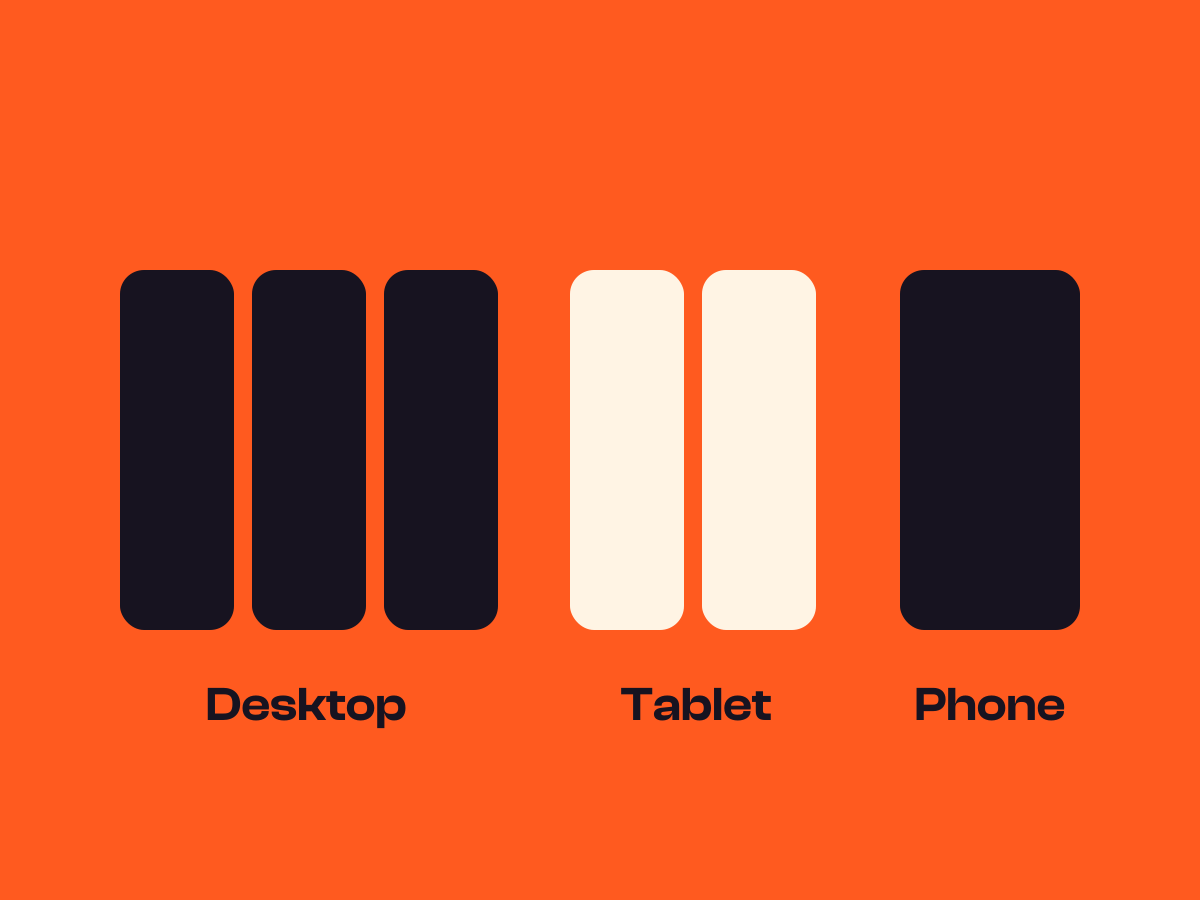
Phones
Doesn’t pin on phones by default
Speed
Pinning, not animation, so reduced motion changes nothing

One side stays put.
This is the real Sticky column setting, running on this page.
Corner café
Today’s specials
Open every day, kitchen closes half an hour before we do.
Mon to Fri
8am to 4pm
Sat
9am to 5pm
Sun
10am to 3pm
Shakshuka
$9
Eggs baked in spiced tomatoes, with warm flatbread.
Crumpet stack
$7
Three crumpets, salted butter and local honey.
Leek and potato soup
$6
With a thick slice of seeded loaf.
Halloumi wrap
$8
Grilled halloumi, pickled red onion and mint.
Mushrooms on toast
$8
Garlic, thyme and a spoon of crème fraîche.
Rhubarb crumble
$5
Served warm with custard or cream.
Cheese scone
$3
Baked this morning, with chutney on the side.
Pot of tea
$2
Breakfast, Earl Grey or fresh mint.
Settings Sticky child First Top offset (px) 32 Pin on Desktop and tablet
The settings worth knowing.
Which item pins, how far from the top, and on which screens.
Item 1
Item 2
Item 3
Item 4
Item 5
Item 6
I pin on the right
Sticky child
Choose what pins
First, Last, or a middle position from Second to Fifth.
I stop 80px down
Item 1
Item 2
Item 3
Item 4
Item 5
Item 6
Top offset (px)
Gap from the top
From 0 to 160px while pinned, enough to clear a sticky header.
Pinned on tablet
Item 1
Item 2
Item 3
Item 4
Item 5
Pin on
Which screens
Desktop only, desktop and tablet, or every screen size.
Three steps. No new tool.
Fair questions.

Make your next site beautiful.
GrinBot designs and builds it for you. Join the waitlist for the launch price.
- Studio-quality design
- Built for speed
- Pay once, no subscription
We’ll email you about the launch. Unsubscribe any time. Privacy policy