
Animated background maker that doesn’t slow your site
Make a moving background in your brand colors, tune it live, then copy it into Grinner or as plain CSS.
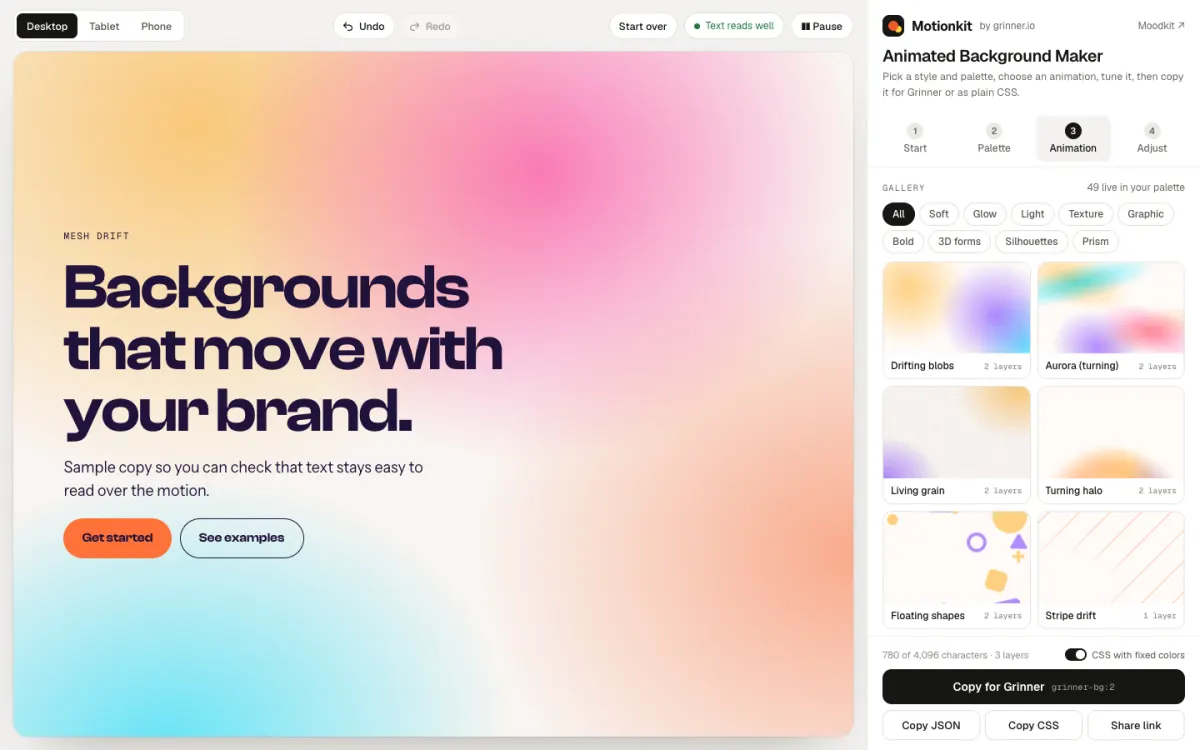
Pretty backgrounds. Slow pages.
Background videos and heavy animation scripts look great on a laptop, then drag down your phone scores. So most sites settle for a flat color.
Motion that stays light.
Motionkit backgrounds are CSS. In Grinner they pause off screen and stand still for visitors who prefer less motion. On phones, the first section shows no background by default, and the sections below stay still.
3 KB
of engine CSS, gzipped
0 MB
of video
These are running right now.
Six Motionkit backgrounds, playing in this page’s colors. Each is CSS, pauses off screen and stands still on phones and for anyone who prefers less motion.
Prism
Glassy bars of light with a glint.
Turning halo
Rings that turn slowly.
3D forms
A sphere, ring, arc and cube, lit from one side.
Silhouettes
Big soft figures with grain.
Halftone and dots
Patterns drawn as inline SVG.
Aurora
Soft color that turns.
From blank to moving in three steps.
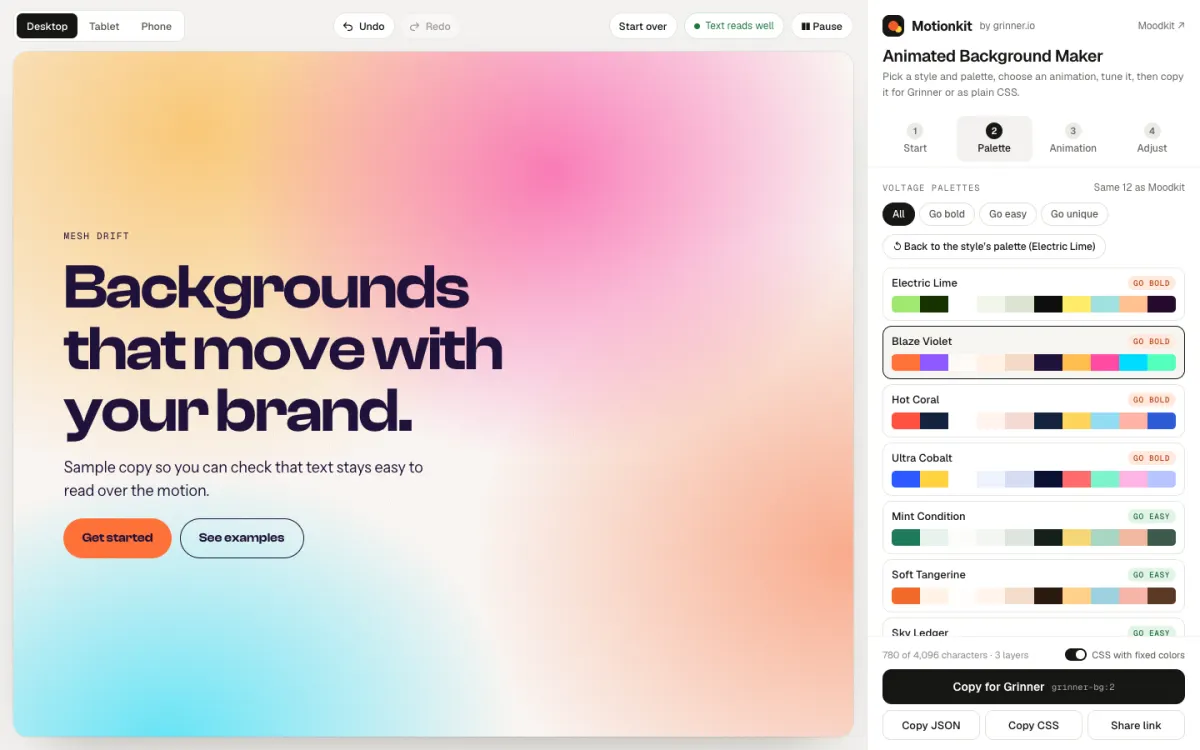
STEP 01
Start from your colors
Pick a style and one of the 12 palettes, or paste a Moodkit link to bring its exact colors.
STEP 02
Pick and tune
Choose from 49 presets, or stack up to five layers from 19 shapes. Set the motion and size of each layer.
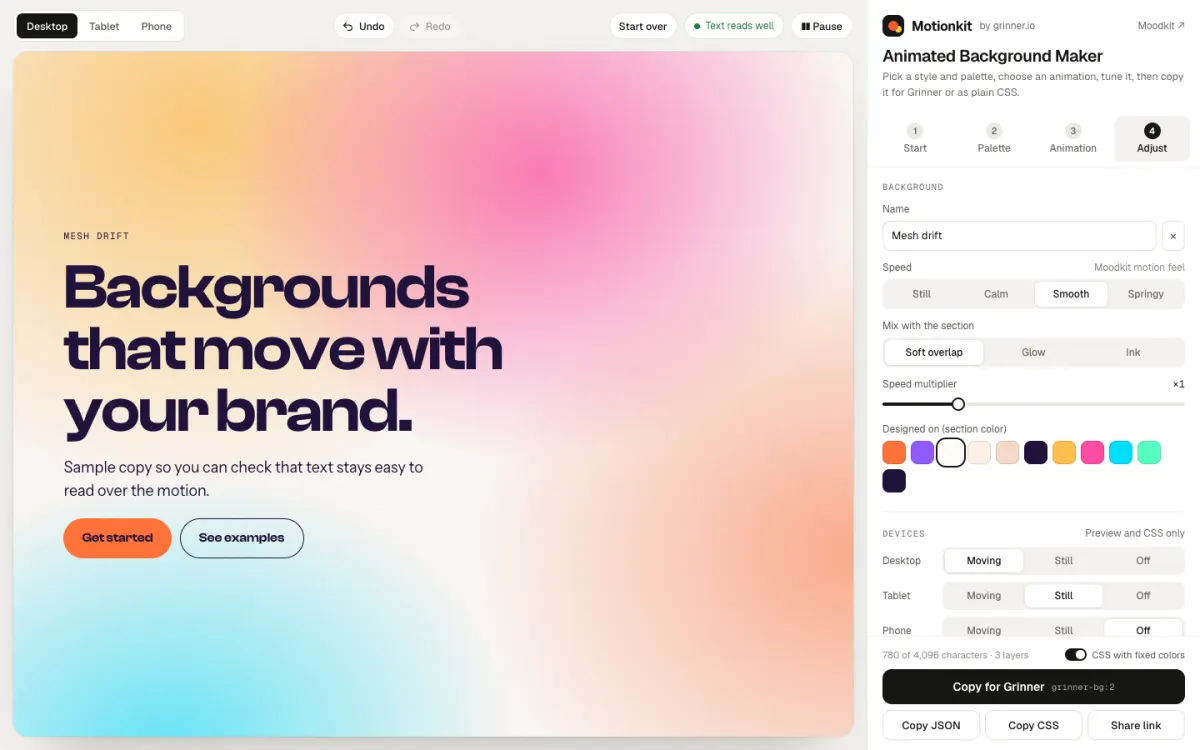
STEP 03
Copy it
Copy for Grinner, as JSON or as plain CSS. In Grinner, choose Moving, Still or Off for desktop, tablet and phone.
Motion on brand, without the weight.
Your colors
Backgrounds use color names, so they follow your site’s palette. The same 12 palettes as Moodkit.
49 live presets
Blobs, aurora, grain, halos, prisms, 3D forms and more, ready in your palette.
Up to five layers
Stack layers from 19 shapes, reorder them and tune each one.
Phone-friendly defaults
Off on the first section and still below it on phones, unless you choose otherwise.
Kind to every visitor
Still for visitors who ask for less motion, and paused while off screen.
Works without Grinner
Copy plain CSS for any site, with fixed colors. With Grinner, you get the per-device settings too.
Motionkit next to the usual ways.
Motionkit
Video background
Animation library
Made in your brand colors
Only if it was filmed that way
Yes, if you code it
What it loads
CSS, plus a tiny shared script in Grinner
0.5 to 6 MB of video a page
28 to 77 KB of script, plus your code
Phone setting
Moving, Still or Off
No autoplay in iOS Low Power Mode
None built in
Reduced motion
Stands still
Ignored unless coded
Only if you code it
Price
Free
Free to $179 a clip
Free for the popular ones
Made in your brand colors
Motionkit
Yes
Video background
Only if it was filmed that way
Animation library
Yes, if you code it
What it loads
Motionkit
CSS, plus a tiny shared script in Grinner
Video background
0.5 to 6 MB of video a page
Animation library
28 to 77 KB of script, plus your code
Phone setting
Motionkit
Moving, Still or Off
Video background
No autoplay in iOS Low Power Mode
Animation library
None built in
Reduced motion
Motionkit
Stands still
Video background
Ignored unless coded
Animation library
Only if you code it
Price
Motionkit
Free
Video background
Free to $179 a clip
Animation library
Free for the popular ones
Fair questions.
Make it move.
Free, in your browser. Nothing to install.