Add hover effects to the WordPress menu
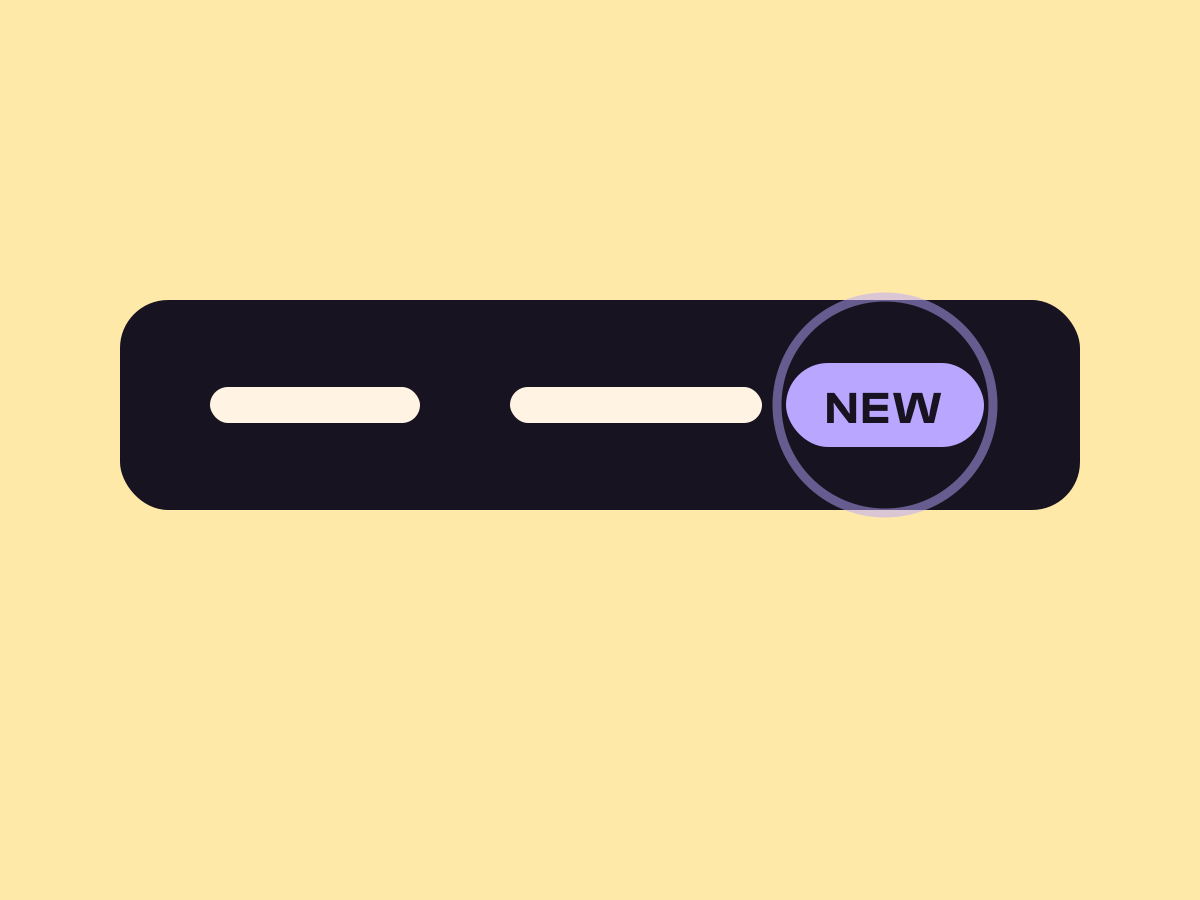
Menu links react on hover in up to three layers, a shape behind the link, a thin mark around it and a little movement of the label.
Type
An upgrade to the Navigation block
Find it
Navigation settings, Hover background
Phones
No hover on touch, but the current page mark shows
Speed
One setting covers every link, submenus included

Menus that answer back.
This is the real Navigation hover effects setting, running on this page.
Pill and Rise
Underline wipe
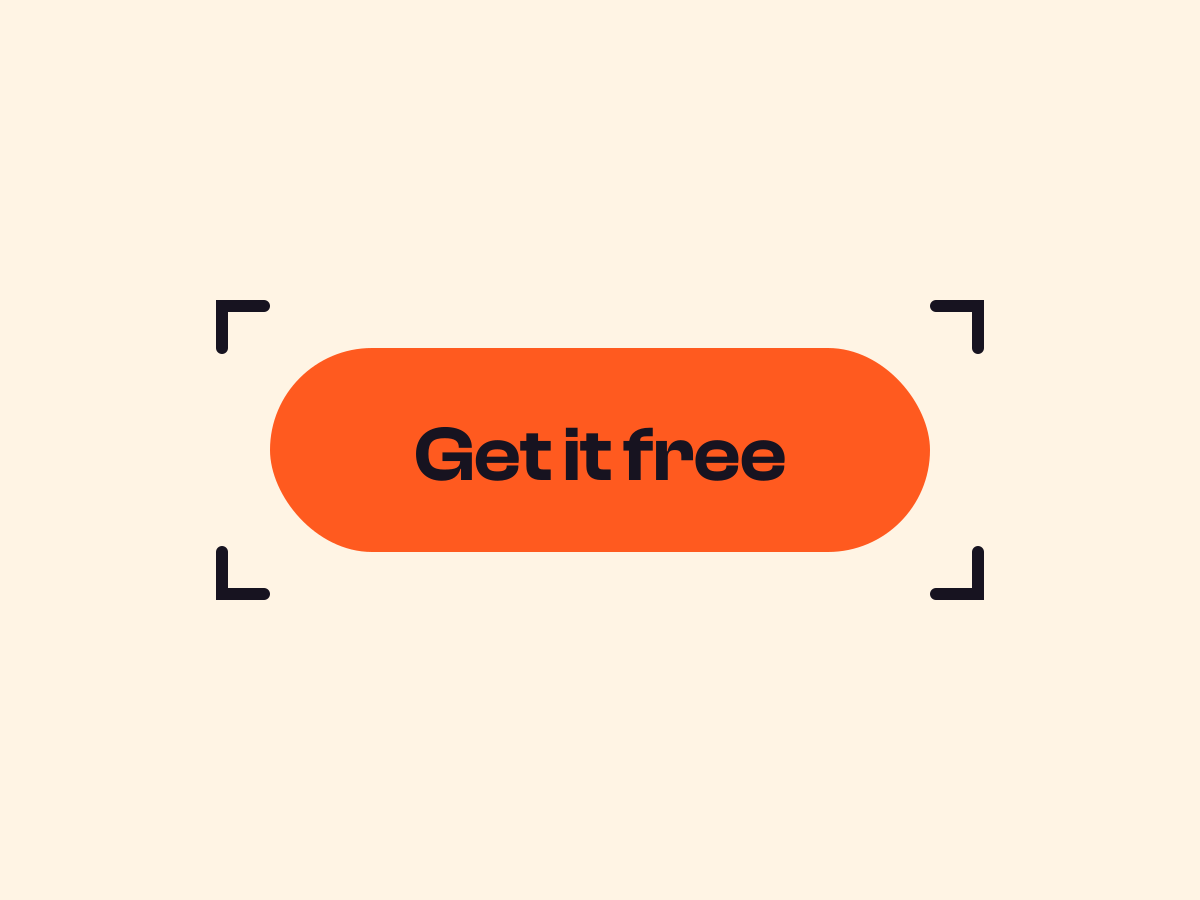
Brackets and Flip
Settings Hover background Pill Hover mark Underline and Side brackets Hover text Rise and Flip
The settings worth knowing.
A shape, a mark and a movement. Use one, two or all three.
Point at a link
Hover background
A shape behind
None, Box, Pill, Slide-fill or Fade, with its own corner radius and speed.
Point at a link
Hover mark
A thin mark
An underline, corner marks or side brackets, each with its own motion.
Point at a link
Hover text
A moving label
Flip rolls the label up as a copy rolls in, Rise lifts it 3px.
Mark current page
You are here
The current page’s link wears its mark at rest.
Three steps. No new tool.
Fair questions.

Make your next site beautiful.
GrinBot designs and builds it for you. Join the waitlist for the launch price.
- Studio-quality design
- Built for speed
- Pay once, no subscription
We’ll email you about the launch. Unsubscribe any time. Privacy policy