Add a New badge to WordPress menu items
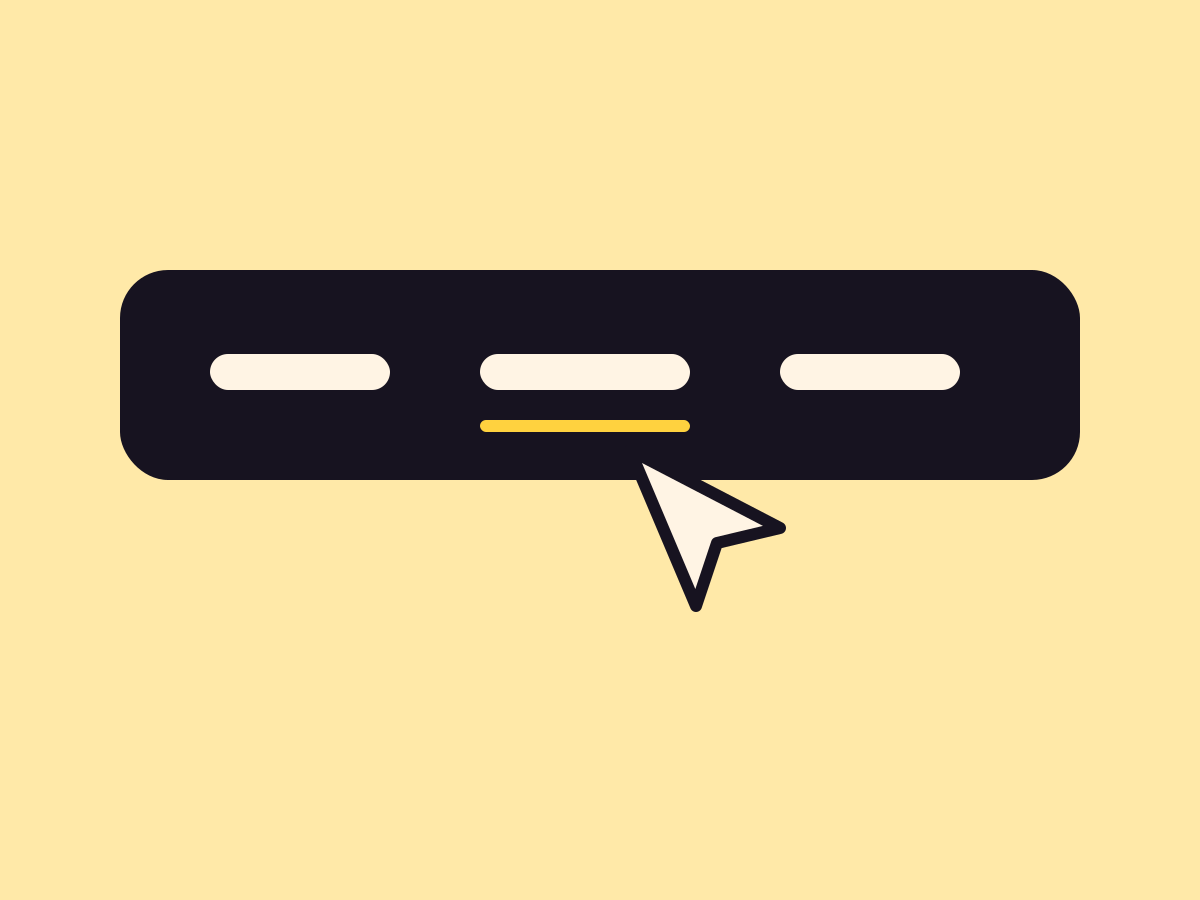
A small badge such as New, Hot or Beta on one menu item, after its text or pinned to a corner. It can send out three soft rings, then go still.
Type
An upgrade to Navigation Link and Submenu
Find it
Menu item settings, Pill
Phones
Identical, burger menu included
Speed
The rings play once after the page loads, then stop

Menus with news.
This is the real Navigation pills setting, running on this page.
Settings Pill Soon, New and Sale Pulse on Placement Pinned to the item
The settings worth knowing.
The badge text, its look and where it sits.
Pill
Ready-made or custom
New, Hot, Beta, Sale or Soon, or your own text up to 20 characters.
Look
Soft, filled or outline
Three looks built from one accent color.
Placement
After or pinned
After the text, or pinned to the item like a notification badge, with nudge sliders.
Reload to see the rings
Pulse
Three soft rings
Rings ripple out after the page loads, then the badge goes still.
Three steps. No new tool.
Fair questions.

Make your next site beautiful.
GrinBot designs and builds it for you. Join the waitlist for the launch price.
- Studio-quality design
- Built for speed
- Pay once, no subscription
We’ll email you about the launch. Unsubscribe any time. Privacy policy