Add a content slider to WordPress
Slides that hold any blocks you like, a quote, a feature card or a whole case study. Visitors swipe, click the arrows or dots, or let it play, and it rewinds at the end.
Type
A Grinner block
Find it
Press + and search “Content Slider”
Phones
Swipe, with a hint until the first swipe
Speed
No script unless it has controls or autoplay

Slides for anything.
This is the real Content Slider block, running on this page.
Words that move
One line whose words take turns, with the transition you pick.

Pictures that play
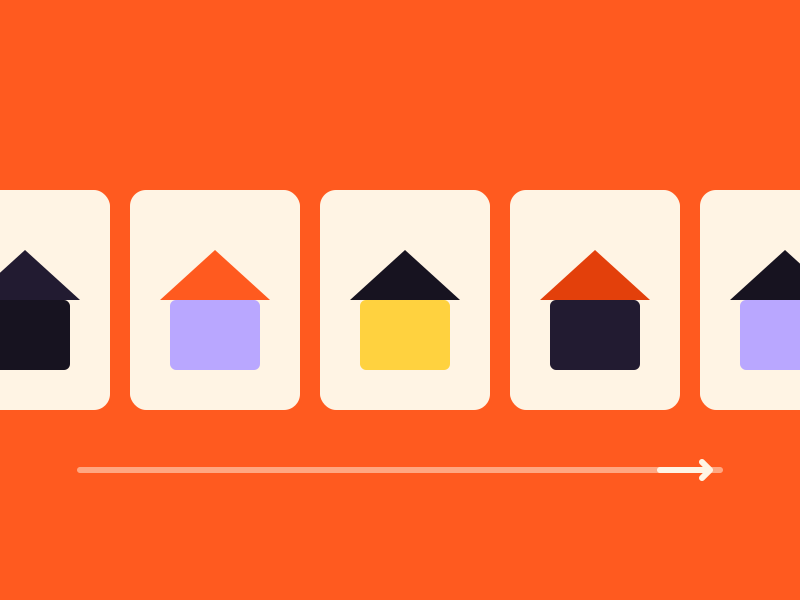
A strip of images that scrolls on its own, with soft faded edges.
Cards that pile up
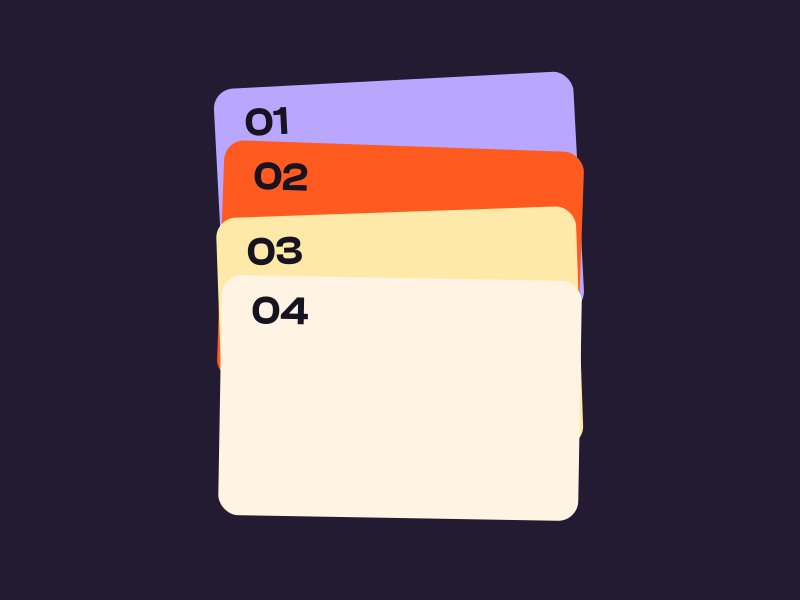
Cards that stick near the top and pile up as the page scrolls.
Bars that fill
Bars, steps and rings that fill as they scroll into view.

Timers that tick
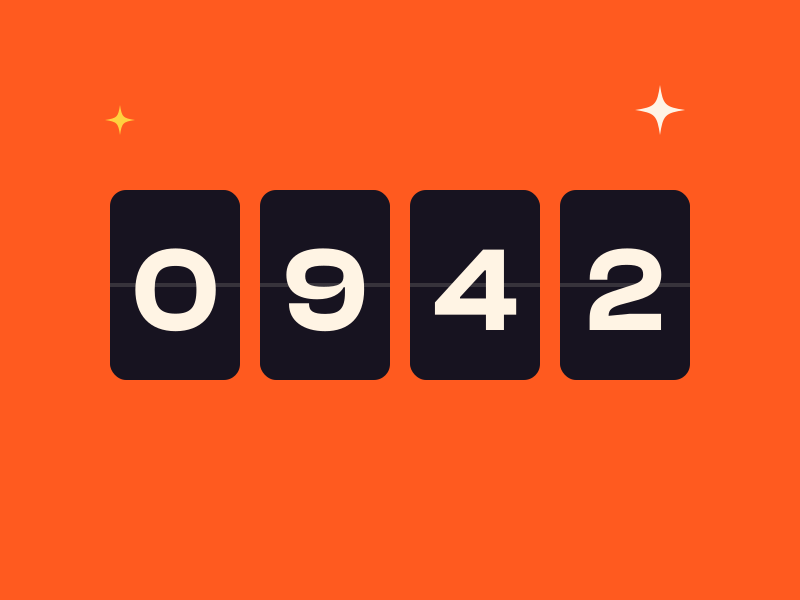
A live timer to a date, as boxes, flip cards, words or one line.
Settings Layout Full width Autoplay on Dots Pills Arrows Inside the slide edges
The settings worth knowing.
A layout sets most of it. Then decide how it moves and which controls show.
Layout
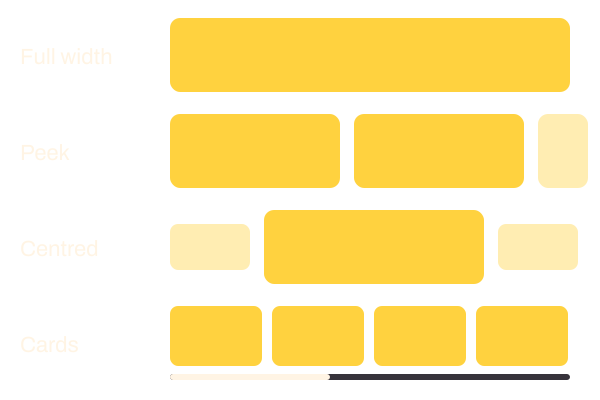
Four layouts
Full width shows one slide, Peek lets the next one show at the edge, Centred shrinks the neighbors, and Cards adds a progress bar.
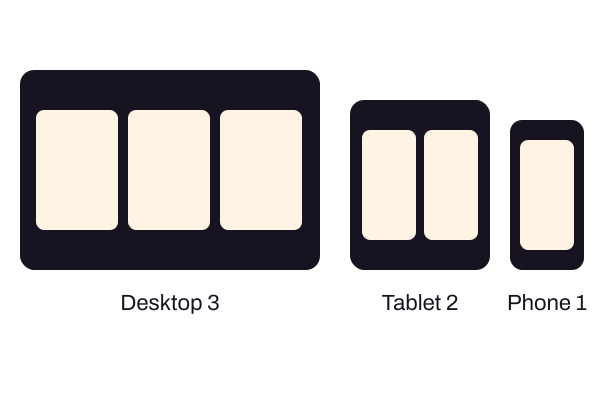
Slides per view
Per screen size
Set how many show on desktop, tablet and phone. The slider measures its own width, so in a narrow column it takes its phone look.

Autoplay
Plays, with a Pause
On for Full width and off for the rest unless you switch it on. A Pause button shows while it plays, and keyboard focus pauses it too.
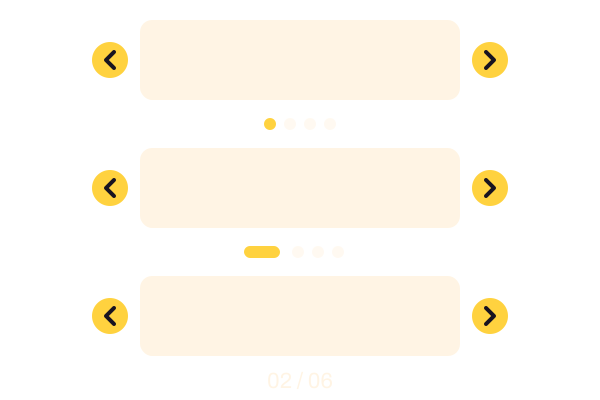
Dots
Dots, pills or a count
Dots, pills, a 02 / 06 count or nothing, with arrows inside, outside or below, in solid, outline or soft.
Three steps. No new tool.
Fair questions.

Make your next site beautiful.
GrinBot designs and builds it for you. Join the waitlist for the launch price.
- Studio-quality design
- Built for speed
- Pay once, no subscription
We’ll email you about the launch. Unsubscribe any time. Privacy policy
Try it with these.

Image Slider
For a moving strip of pictures only, use Image Slider. Use Content Slider when each slide needs words or a button.