Add a hover image list to WordPress
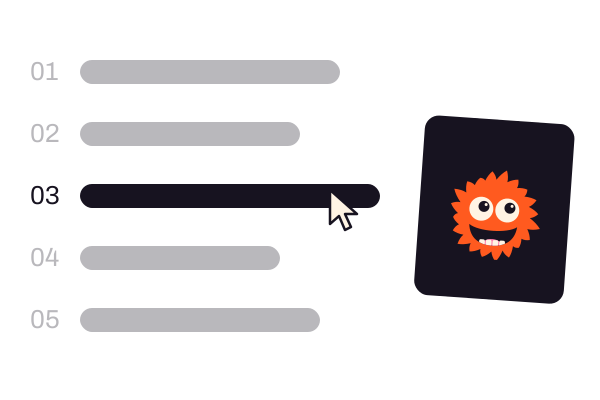
A list of big link rows, like services or projects. Point at a row, or tab to it, and its picture appears beside the list, behind it, in the row or under the mouse.
Type
A Grinner block
Find it
Press + and search “Hover List”
Phones
No hover, so the first picture sits above the list
Speed
Three of the five layouts need no script

Point at a row.
This is the real Hover List block, running on this page.
- Text RotatorOne line whose words take turns, with the transition you pick.
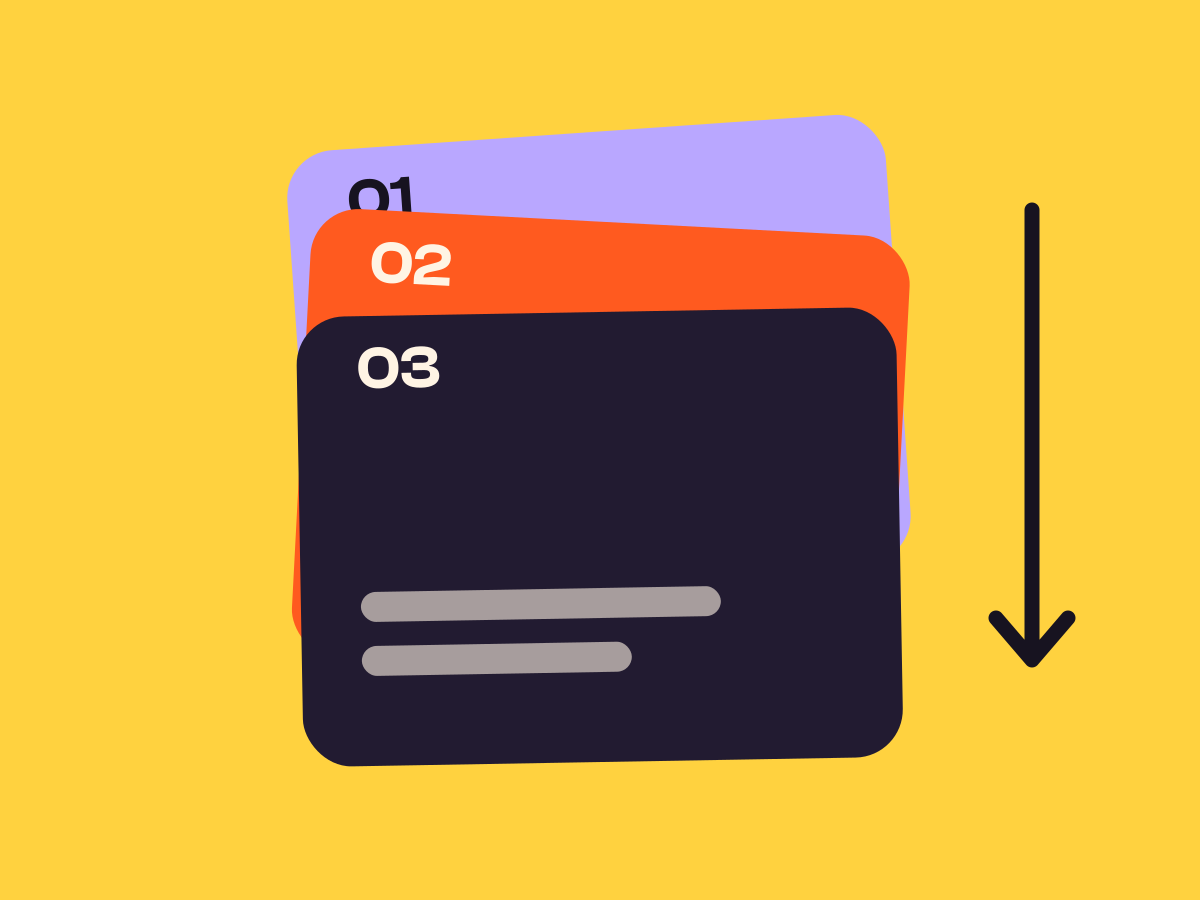
- Card PileCards that stick near the top and pile up as the page scrolls.
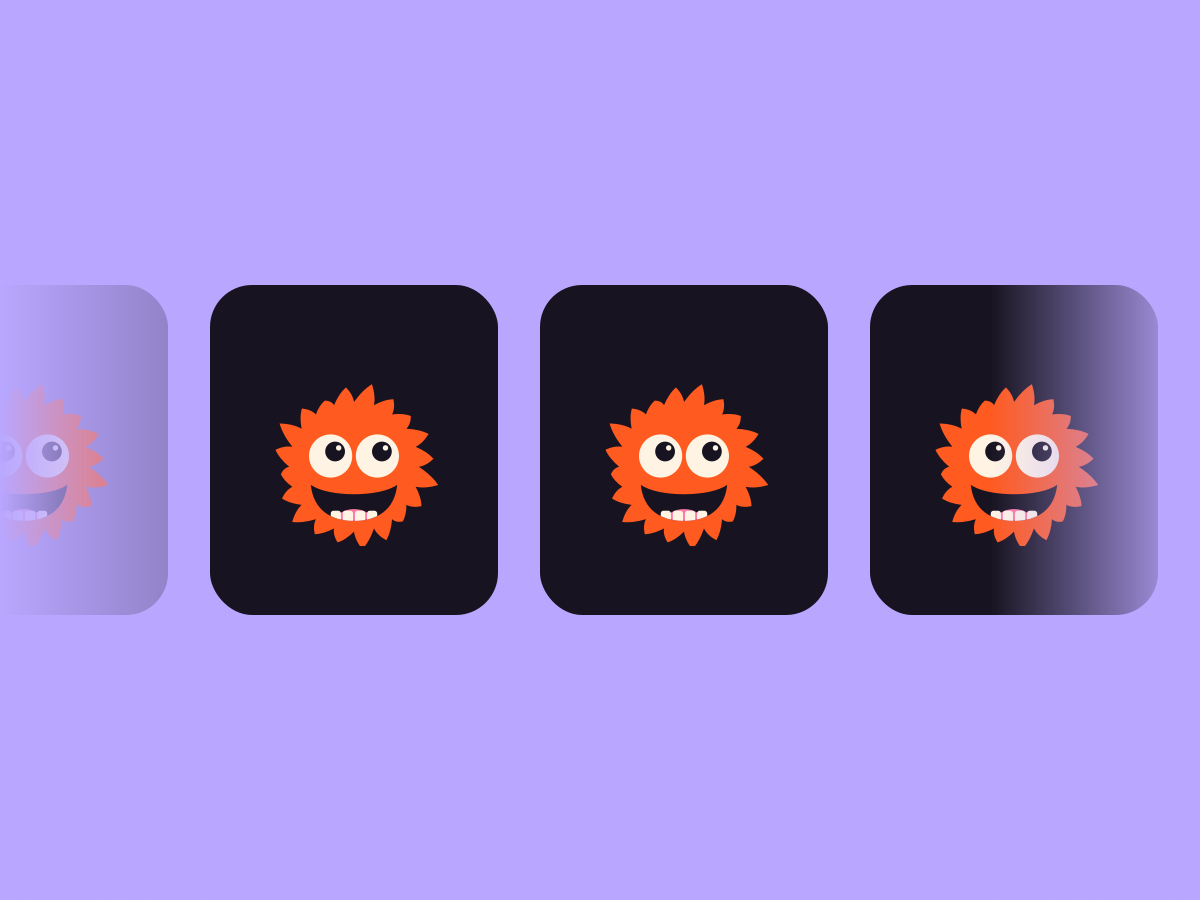
- Image SliderA strip of images that scrolls on its own, with soft faded edges.
- ParallaxA section, or the things inside it, drifting at its own speed.
- CountdownA live timer to a date, as boxes, flip cards, words or one line.



Settings Preset Split Image reveal Wipe up Row effect Dim the others
The settings worth knowing.
Pick a preset first. Then choose how pictures arrive and what the rows do.
Preset
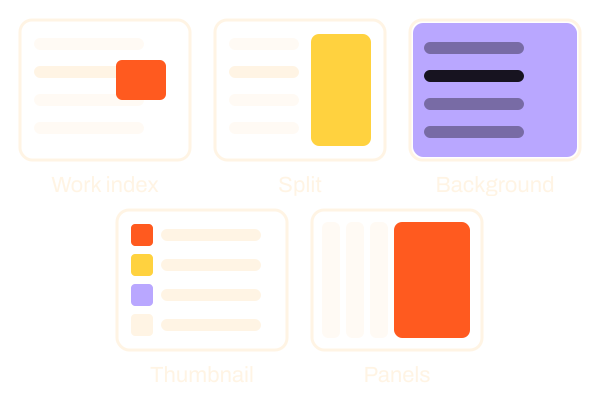
Five layouts
Work index, Split, Background swap, Inline thumbnail and Expanding panels. Swap between them and your rows stay as they are.
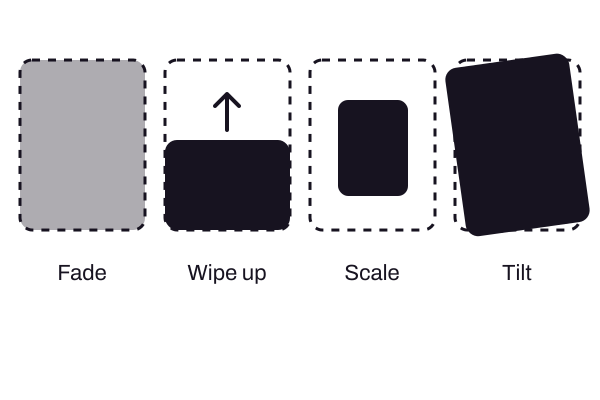
Image reveal
How pictures arrive
Fade, Wipe up, Scale or Tilt, set once for the whole list.
Row effect
What the rows do
Colour the title, shift it along, or dim every other row so one stands out.

Text · Block
One line whose words take turns, with the transition you pick.
See the feature: Text Rotator
Scroll and motion · Block
Cards that stick near the top and pile up as the page scrolls.
See the feature: Card Pile
Blocks · Block
A live timer to a date, as boxes, flip cards, words or one line.
See the feature: CountdownOpen on hover
Panels that widen
With Expanding panels, the panel under the mouse widens after a short delay you set. On a touch screen a tap opens it.
Three steps. No new tool.
Fair questions.

Make your next site beautiful.
GrinBot designs and builds it for you. Join the waitlist for the launch price.
- Studio-quality design
- Built for speed
- Pay once, no subscription
We’ll email you about the launch. Unsubscribe any time. Privacy policy
Try it with these.

Image hover effects
For one picture that reacts by itself, use Image hover effects. Use Hover List when a set of links shares one picture frame.