Make a sticky header in WordPress
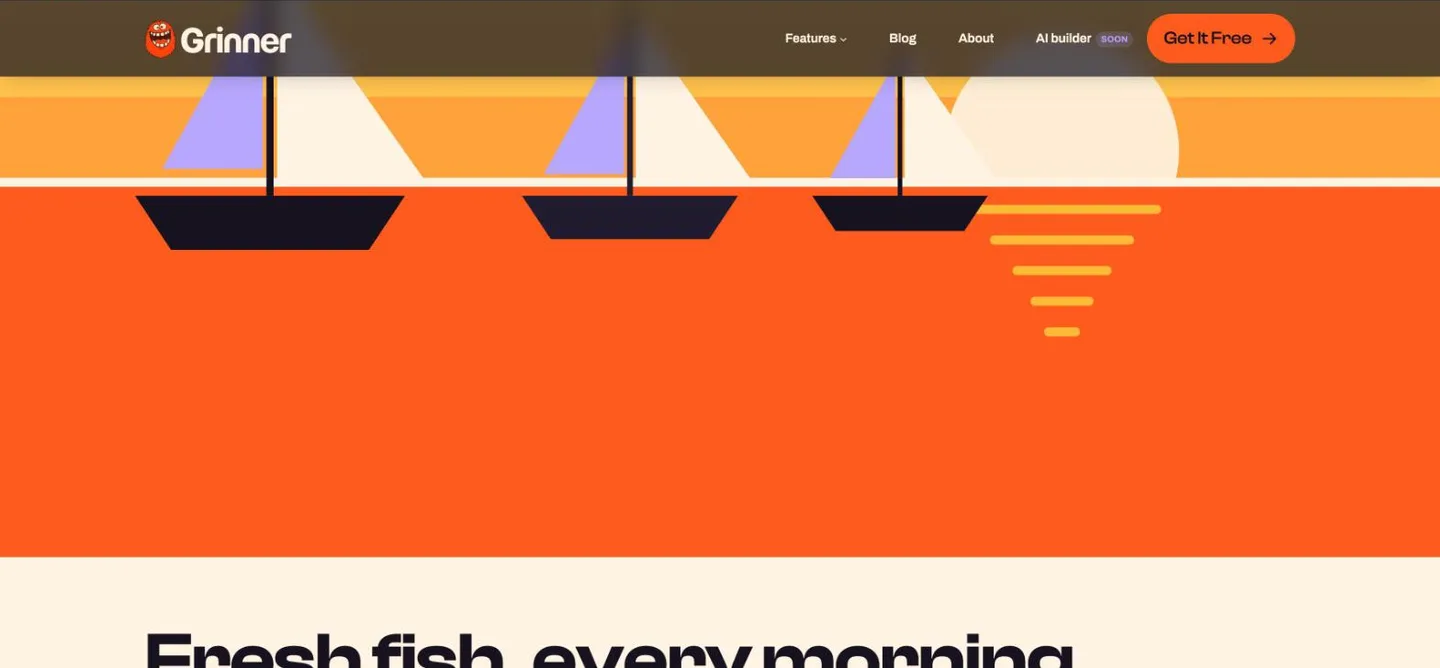
Your header stays pinned to the top as the page scrolls. Over the first 120px it can turn from solid to frosted glass and pick up a soft shadow.
Type
An upgrade to the Group block
Find it
Header’s top-level Group, Sticky header
Phones
Scrolls away below 600px unless switched on
Speed
The glass is off on small phones unless you want it

Solid at the top, glass on the way down.
These are screenshots of the real feature, taken from a test page.

Settings Screenshots of Glass on scroll and Shadow on scroll
The settings worth knowing.
Glass, shadow and what happens on phones.

Harbor Café
Menu
Glass on scroll
Frosted glass
Turns the header to 72% opaque glass over the first 120px of scrolling.
Blur 4px
Blur 20px
Blur amount (px)
How frosted
From 0 to 24px, 12 by default.
Harbor Café
Menu
Glass colour
Tinted glass
Tint the glass with another palette color.
Harbor Café
Menu
Stays put on a phone
Below 600px
Sticky on mobile
Phones too
Keep it pinned below 600px, and add Glass on mobile if you want the blur there.
Three steps. No new tool.
Fair questions.

Make your next site beautiful.
GrinBot designs and builds it for you. Join the waitlist for the launch price.
- Studio-quality design
- Built for speed
- Pay once, no subscription
We’ll email you about the launch. Unsubscribe any time. Privacy policy