
Add link previews to WordPress
Rest the mouse on a link to one of your own pages and a small card opens beside it, with the page’s title, its excerpt and, if you like, its picture.
Type
A setting on Paragraph and List
Find it
Paragraph or List settings, Preview cards on links
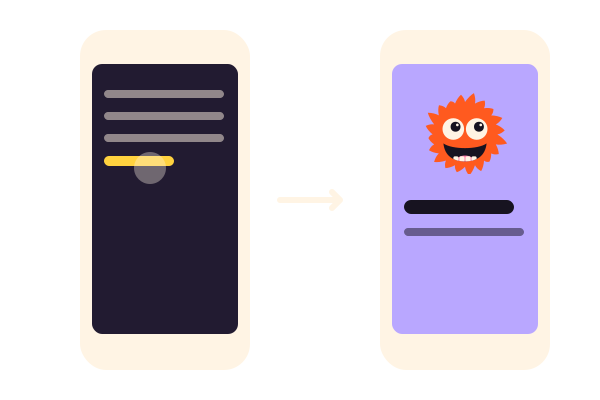
Phones
No cards on touch screens, links just open
Speed
A card’s picture loads only as it opens

Rest on a link.
This is the real Link hover cards setting, running on this page.
Start with a Text Rotator in your hero, pile up your steps with Card Pile, show how far along you are with a Progress Bar and list your work with a Hover List. Then get Grinner from WordPress.org.
Cards open with a mouse or the keyboard. On a phone, the links simply open.
Settings Preview cards on links on Card design Image on top Open delay (ms) 300
The settings worth knowing.
Switch it on for a block, then pick a card design and a delay.
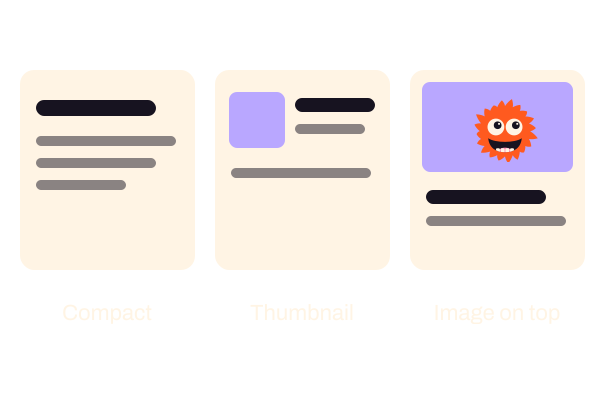
Card design
Three card designs
Compact text, Thumbnail on the left or Image on top. A page with no featured image gets the compact card.
Try it on Countdown, with no wait.
Open delay (ms)
A short wait
From 0 to 1,000 milliseconds, 300 if you leave it. Moving away or pressing Esc closes the card.
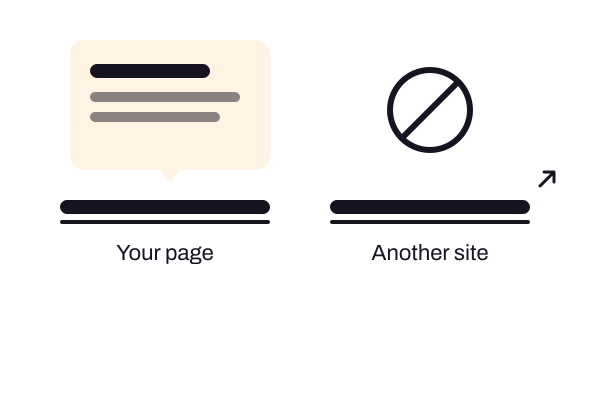
Preview cards on links
Your own pages only
Cards show for links to your published pages and posts. Links to other sites, drafts and private pages open as normal.
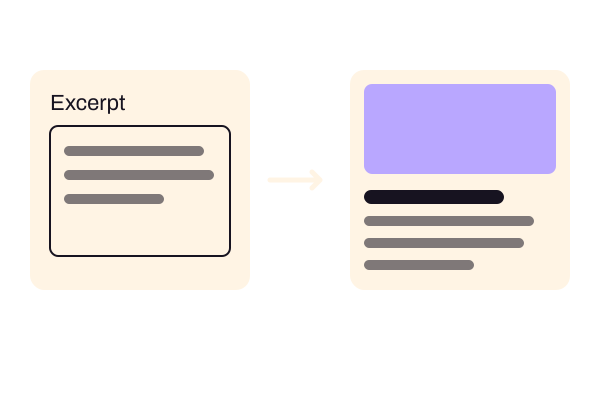
Page excerpts
Write the excerpt
The card shows the page’s written excerpt. Switch on Page excerpts in Grinner’s Editor settings and give each page a sentence or two.
Three steps. No new tool.
Fair questions.

Make your next site beautiful.
GrinBot designs and builds it for you. Join the waitlist for the launch price.
- Studio-quality design
- Built for speed
- Pay once, no subscription
We’ll email you about the launch. Unsubscribe any time. Privacy policy
Try it with these.


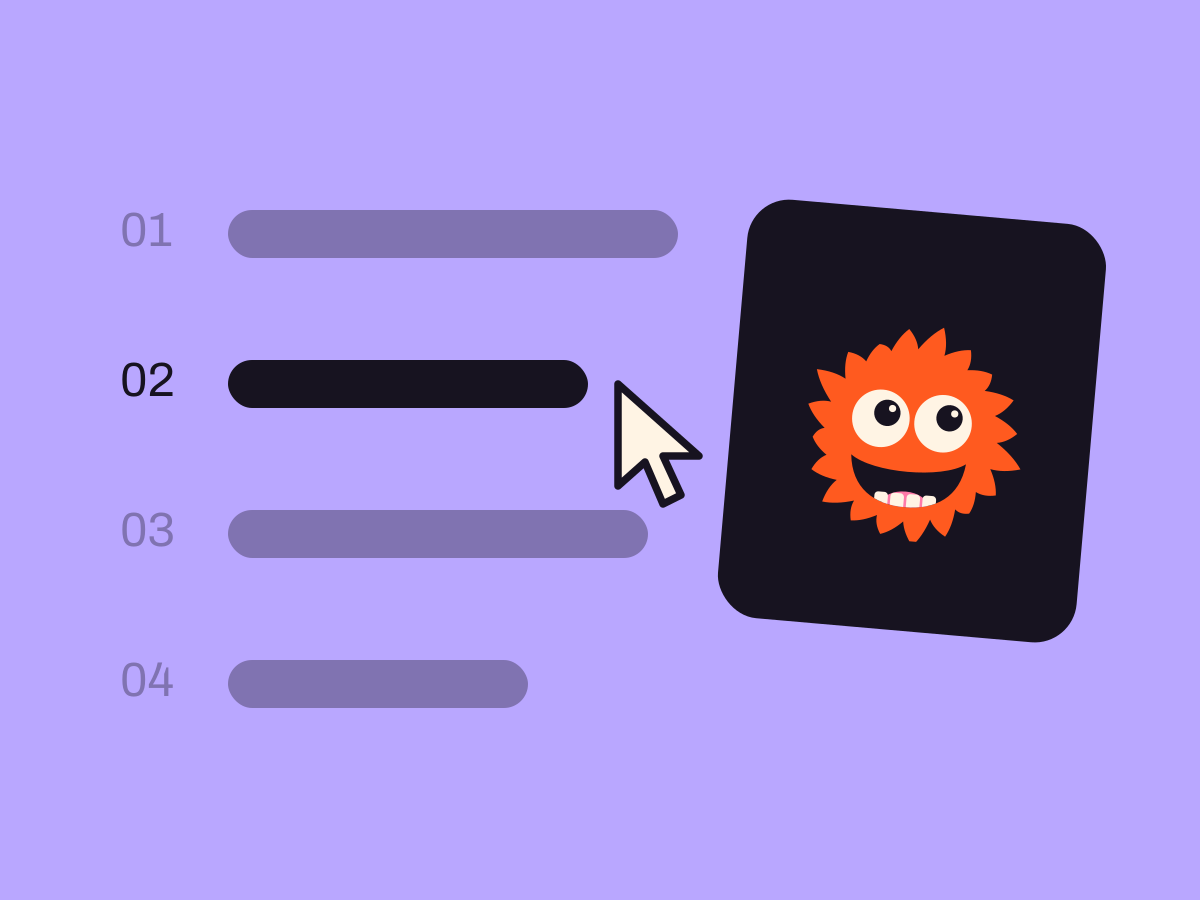
Hover List
Hover List shows pictures for a whole list of links. Link previews work inside running text.


