Add a before and after slider to WordPress
Two pictures in one frame, with a handle your visitor drags to compare. Made for redesigns, edits and makeovers.
Type
A Grinner block
Find it
Press + and search “Before / After”
Phones
Drag sideways to compare. Swiping up and down still scrolls
Speed
Its code loads only on pages that use it

Drag the handle. Meet Friday.
This is the real Before / After block, running on this page.

Settings Start position (%) 50 Attract nudge on Divider and handle Secondary
The settings worth knowing.
The block works the moment you add two pictures. These four make it yours.
Orientation
Side by side, or top and bottom
Horizontal is the default. Vertical puts one picture over the other, with a handle that slides up and down. Try it.
Start position (%)
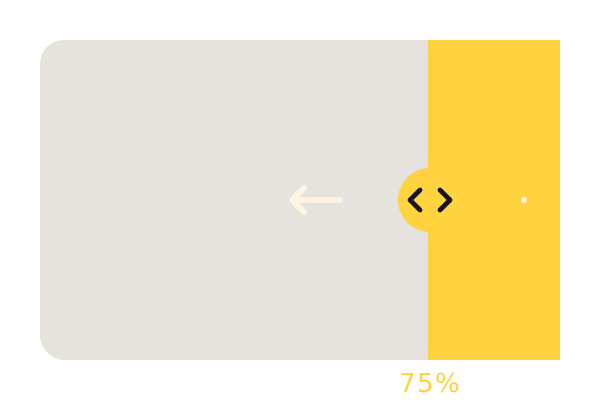
Where the handle starts
75 by default. Attract nudge drifts it once when the block scrolls into view, so people know they can drag.
Labels
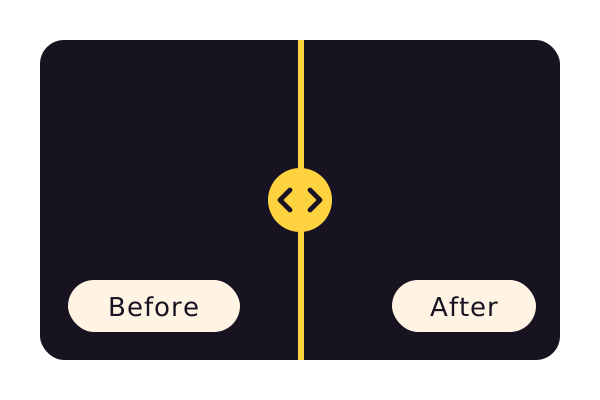
Say what changed
Your own words for each side, in dark pills you can recolor and move.
Divider and handle
Match your colors
Set the divider width, the handle size and their color. This page uses Secondary.
Three steps. No new tool.
Fair questions.

Make your next site beautiful.
GrinBot designs and builds it for you. Join the waitlist for the launch price.
- Studio-quality design
- Built for speed
- Pay once, no subscription
We’ll email you about the launch. Unsubscribe any time. Privacy policy