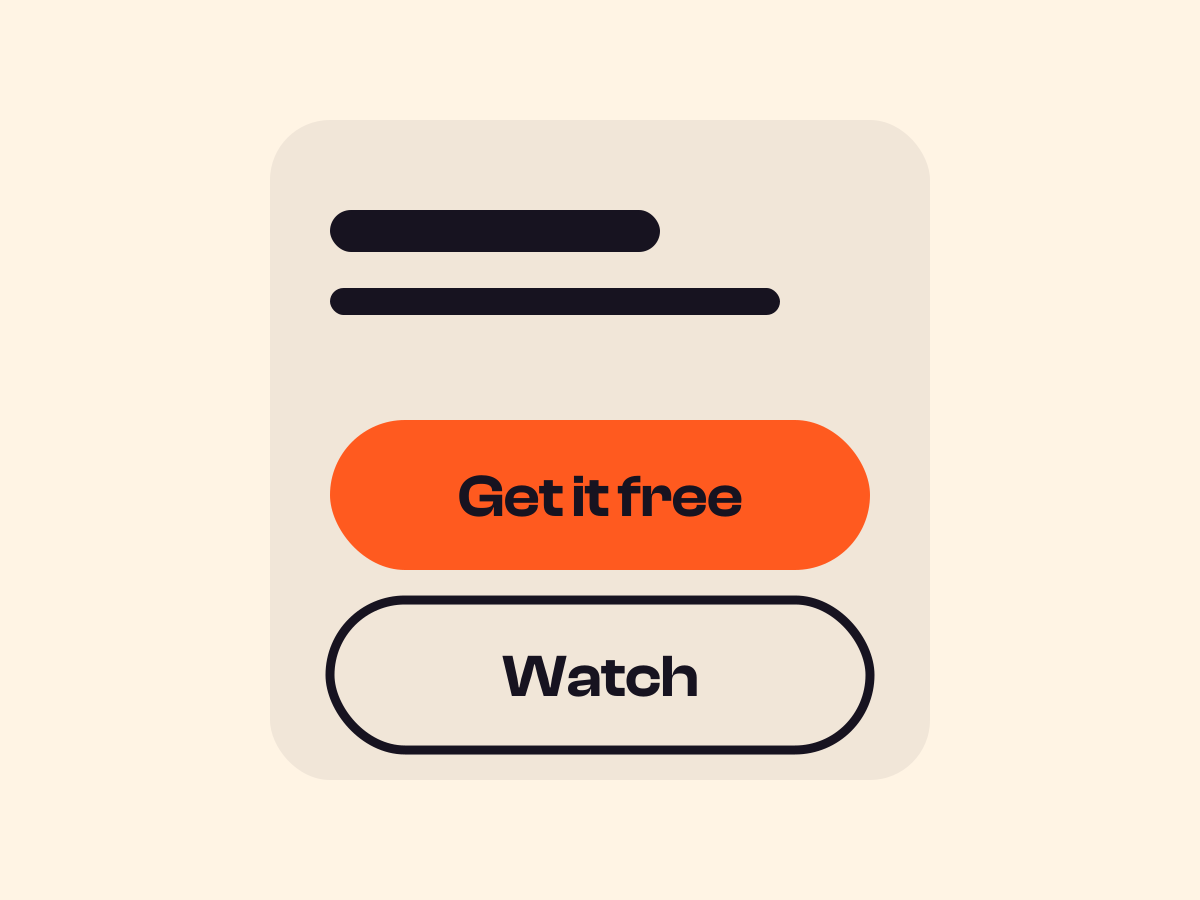
Add a sticky call to action in WordPress
A call to action that stays on screen while the page scrolls. It floats in a bottom corner on desktop and becomes a full-width bar on phones.
Type
A pattern built on the Group block
Find it
Insert the Sticky Button [Grinner] pattern
Phones
Always a full-width bottom bar
Speed
It appears after the first screen, so it never crowds your hero

Always within reach.
These are screenshots of the real feature, taken from a test page.
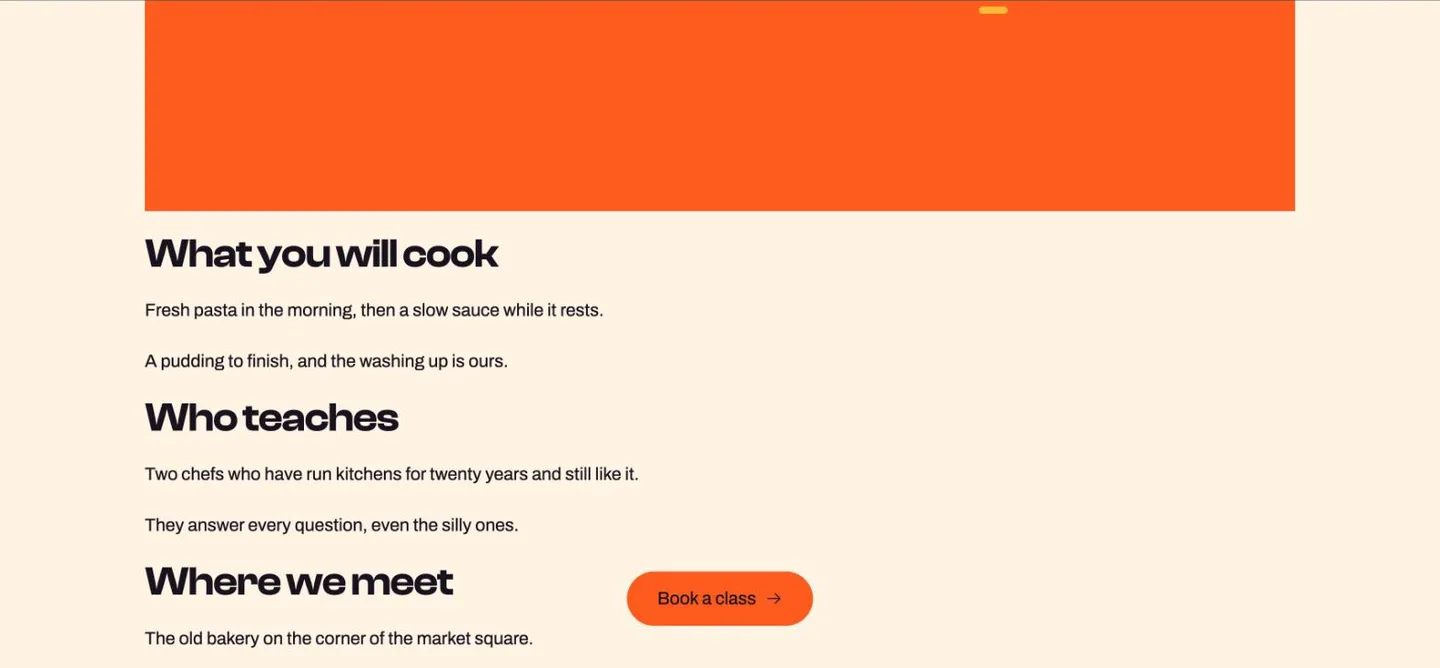
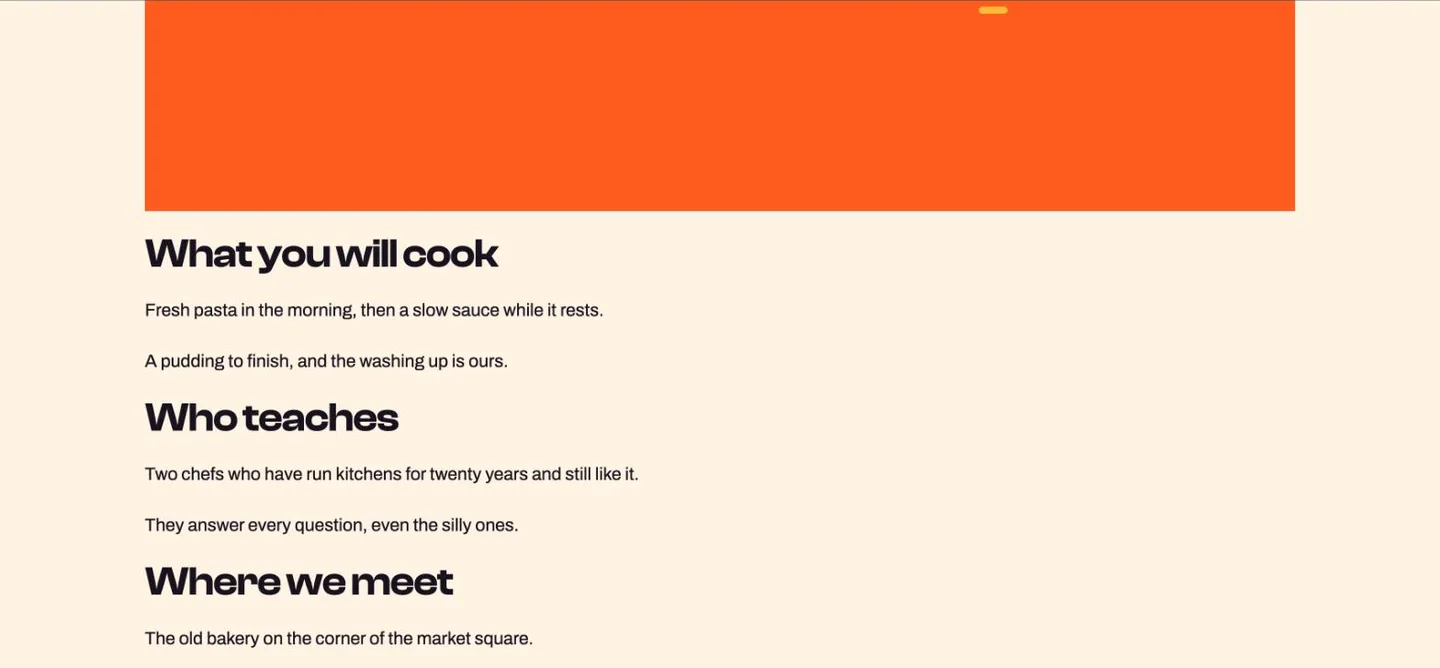
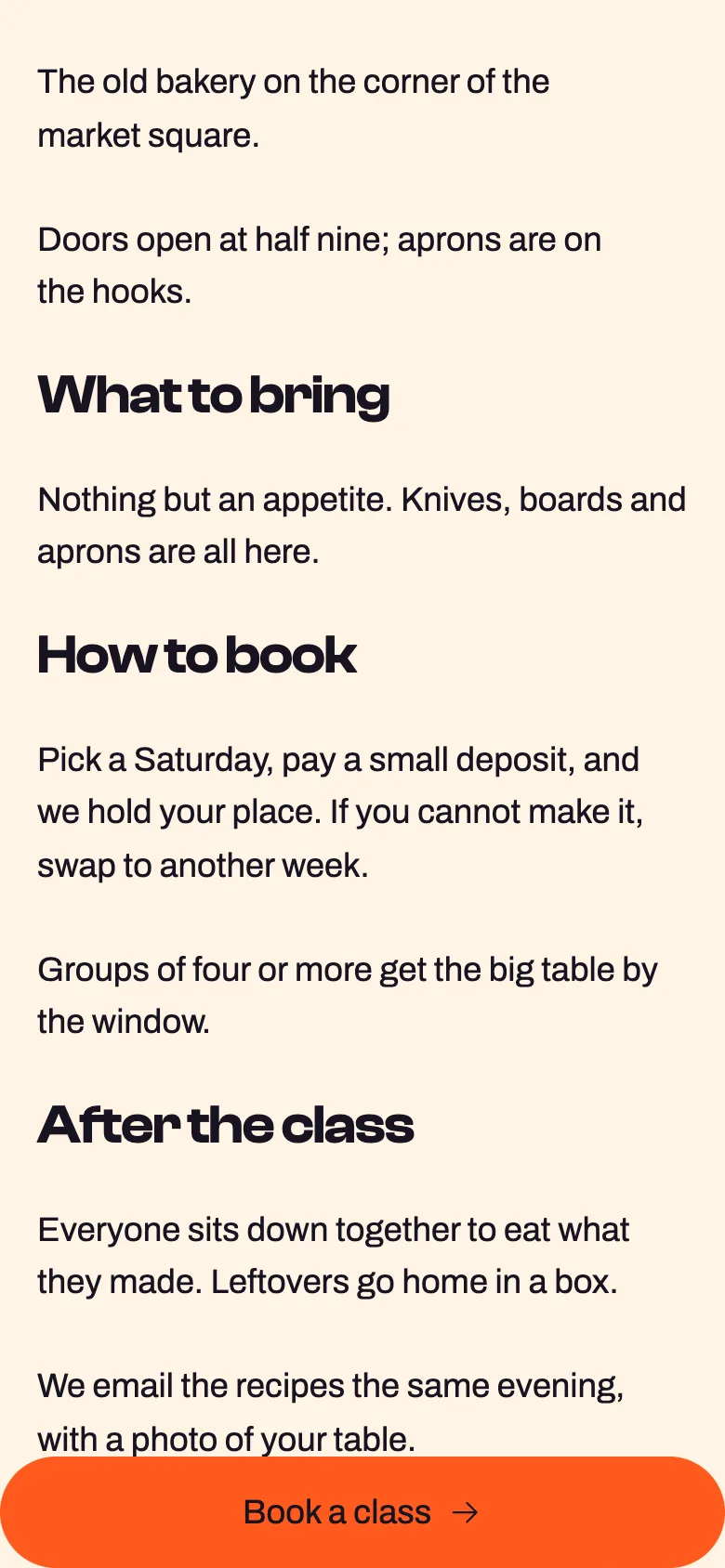
Sticky on, phone: Stretch buttons on mobile
Settings Screenshots of Position Bottom-centre, sticky off and on, Stretch buttons on mobile on
The settings worth knowing.
Where it sits, when it shows and where it hides.
Left, center, right
Position
Which corner
Bottom-right, bottom-left or bottom-center on bigger screens.
One screen down
Appear
When it shows
After one screen of scrolling, or always visible.
Mid-page
Footer
By the footer
Hide near footer
Out of the way
Fades out as the footer arrives.
Classes run every Saturday
The last line of the page
Reserve space on mobile
Room at the bottom
Adds space on phones so the last content clears the bar.
Three steps. No new tool.
Fair questions.

Make your next site beautiful.
GrinBot designs and builds it for you. Join the waitlist for the launch price.
- Studio-quality design
- Built for speed
- Pay once, no subscription
We’ll email you about the launch. Unsubscribe any time. Privacy policy