
Add animated backgrounds to WordPress
Slow, soft color moving behind a section while the words on top stay still. Pick drifting blobs, an aurora, living grain, a turning halo, floating shapes or drifting stripes.
Type
A setting on Group and Cover
Find it
Group or Cover settings, Animated background, Style
Phones
One layer on phones keeps it light
Speed
About 2 KB of styles, paused off screen

Color that drifts.
This is the real Animated backgrounds setting, running on this page.
Slow color, still words.
Slow color drifting behind a section, from soft blobs to an aurora.
Settings Style Drifting blobs Tone Dark section Colour 1 Primary Colour 2 Accent 1
The settings worth knowing.
A style, the tone of the section, then two colors from your palette.
Turning halo
Style
Six styles
Drifting blobs, Aurora, Living grain, Turning halo, Floating shapes and Stripe drift, one per section.
Stripe drift
Tone
Light or dark sections
Auto follows the section’s background. Pick Light section or Dark section yourself so the words keep their contrast.
Floating shapes
Colour 1
Your two colors
Pick two palette colors. Left empty, they fall back to Grinner orange and pastels.
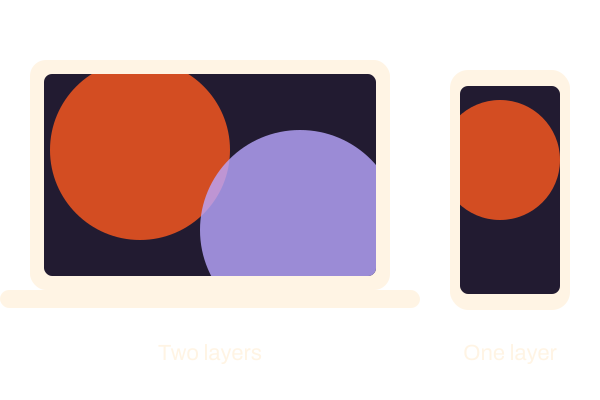
One layer on phones
Lighter on phones
Below 600px only the first layer is drawn, which helps most with Aurora.
Three steps. No new tool.
Fair questions.

Make your next site beautiful.
GrinBot designs and builds it for you. Join the waitlist for the launch price.
- Studio-quality design
- Built for speed
- Pay once, no subscription
We’ll email you about the launch. Unsubscribe any time. Privacy policy
Try it with these.


Container overlay
Container overlay tints a photo so text reads. Use an animated background when there’s no photo, since the two can’t share a section.


