Add progress bars to WordPress
Labeled bars or rings that show how far along something is, from skills to a fundraising total or project steps. They fill as they rise up the screen.
Type
A Grinner block
Find it
Press + and search “Progress Bar”
Phones
It fits its own width, and big ring captions move underneath
Speed
Scroll-linked filling uses styles alone

Nearly there.
This is the real Progress Bar block, running on this page.
A pretend appeal, made up to show the block.
Settings Preset Rings and Thick bars Draw-in Scroll-linked Currency symbol $
The settings worth knowing.
A preset, a format for each bar, and how they fill.
Preset
Bars, steps or rings
Thin labelled bars, thick bars with the value inside, segments and steps, or one big ring with small ones beside it.
Format
Five formats
Count, Money, Rating, Steps or Percentage, so a bar can read 42 of 60, $18,400 of $25,000, 4.5 / 5 or 92%.
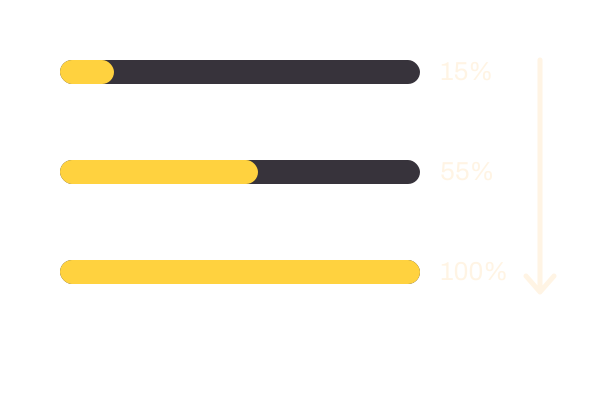
Draw-in
How they fill
Scroll-linked fills and empties with the scroll, Once in view fills once, and Off simply shows the values.
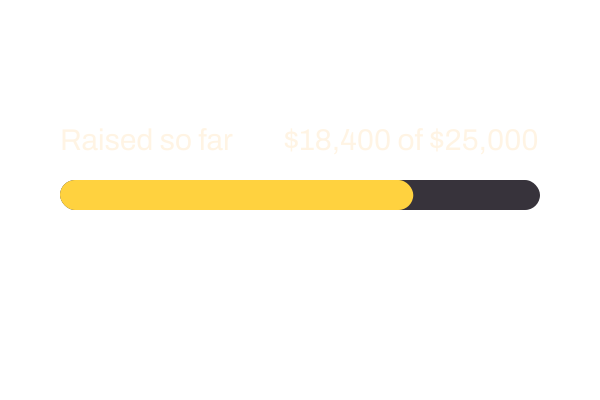
Currency symbol
Your currency
$ unless you change it. Set £, € or any symbol, before or after the number.
Three steps. No new tool.
Fair questions.

Make your next site beautiful.
GrinBot designs and builds it for you. Join the waitlist for the launch price.
- Studio-quality design
- Built for speed
- Pay once, no subscription
We’ll email you about the launch. Unsubscribe any time. Privacy policy
Try it with these.
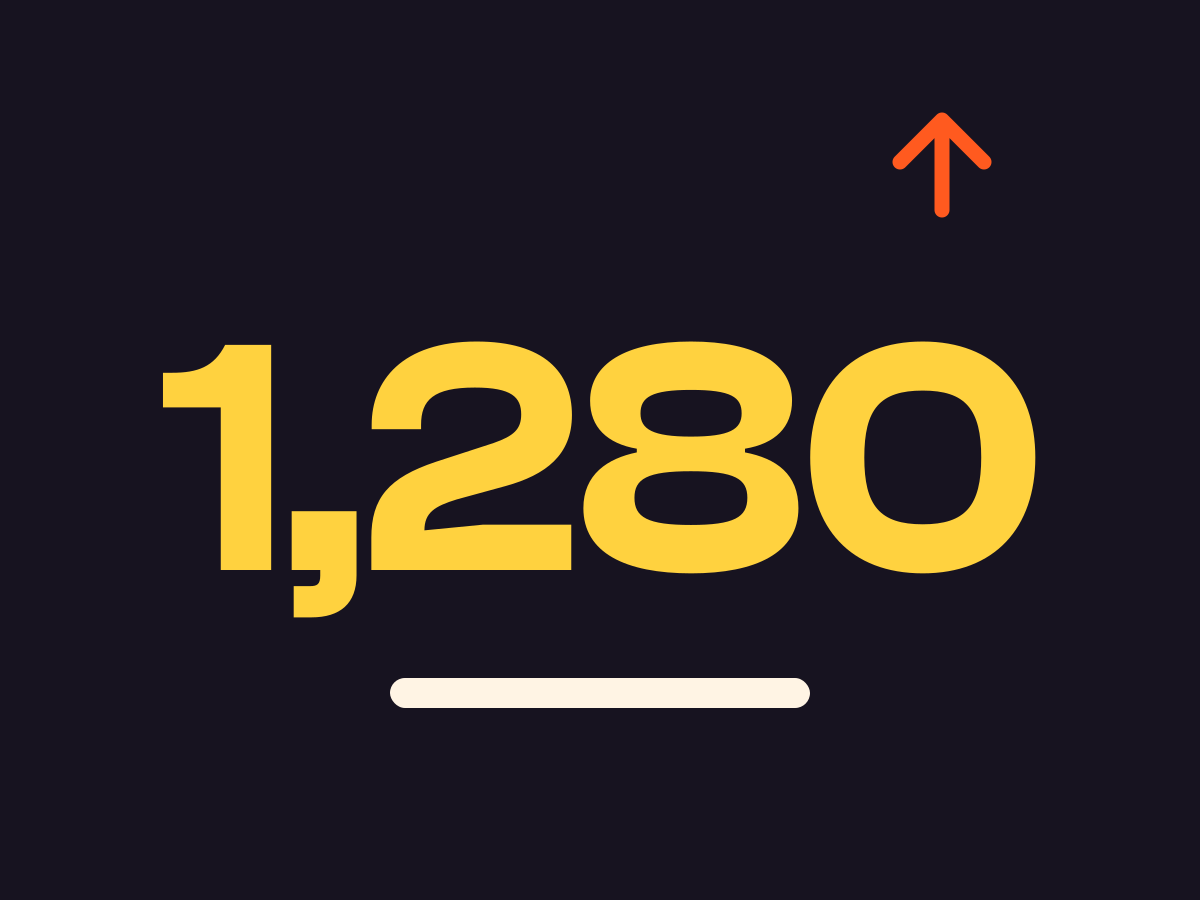
Count up
Count up animates one big number. Use Progress Bar when a number needs its target beside it.