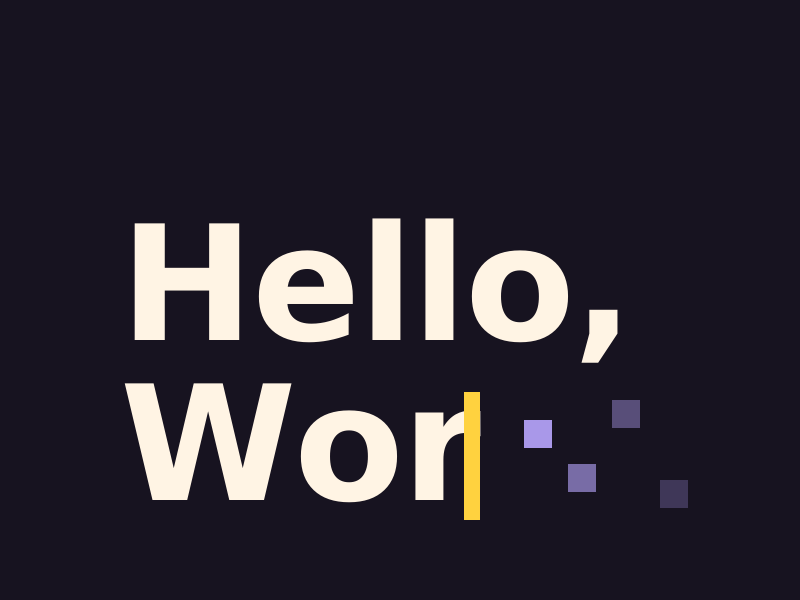
Add a text rotator to WordPress
One line of text that swaps its words in place, on a timer or as the page scrolls, with the transition you pick. Use it in a hero, a heading or a tagline.
Type
A Grinner block
Find it
Press + and search “Text Rotator”
Phones
It rotates. In Hero Mode, Pixel Reveal and Decrypt become a plain change
Speed
Simple transitions and scroll modes need no script

Words that take turns.
This is the real Text Rotator block, running on this page.

Make WordPress
Settings Transition Pixel Reveal Time per line (ms) 2400 Cover colour Night 2
The settings worth knowing.
Four settings do most of the work. The rest you can leave as they are.
Transition
Eight ways to change
Fade, Fade Up, Fade Down, Blur In, Zoom Fade, Clip Reveal, Pixel Reveal and Decrypt. This one is Decrypt.
Change the line
On a timer or the scroll
Over time, at the pace you set, or with the scroll. As the page scrolls from the top suits a first-screen line, and As the line crosses the screen suits one further down.
Accents
Lines keep their accents
Bold, italic and your site accents stay on each line, like these markers.
Hero Mode
Ready on the first screen
Turn it on for a rotator in your hero. The first line shows the moment the page paints, then the words start turning.
Three steps. No new tool.
Fair questions.

Make your next site beautiful.
GrinBot designs and builds it for you. Join the waitlist for the launch price.
- Studio-quality design
- Built for speed
- Pay once, no subscription
We’ll email you about the launch. Unsubscribe any time. Privacy policy
Try it with these.

Accent text
Highlight words with a marker, underline, circle or serif italic, saved once for the whole site.